
Your first configurator.
From template to website.
Use a template, make it your own and publish it.
?
Start with a template available in your account. Setup time depends on your product, account and website access.
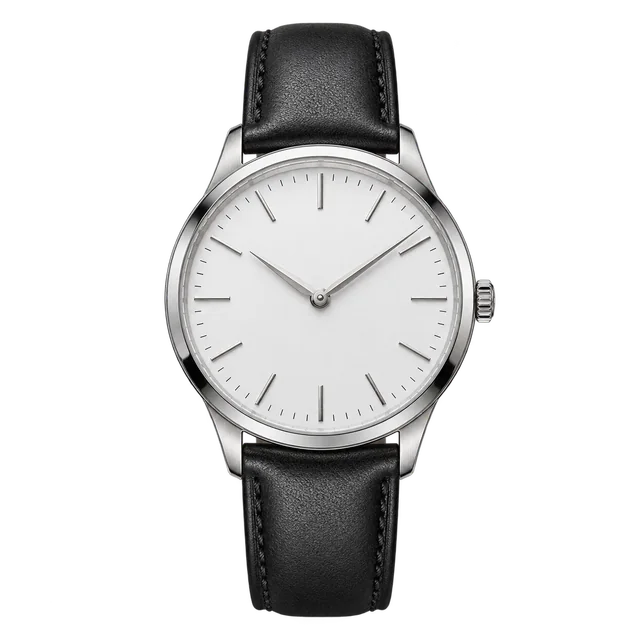
Watch · 2D layers
Aligned images. A fixed product view.
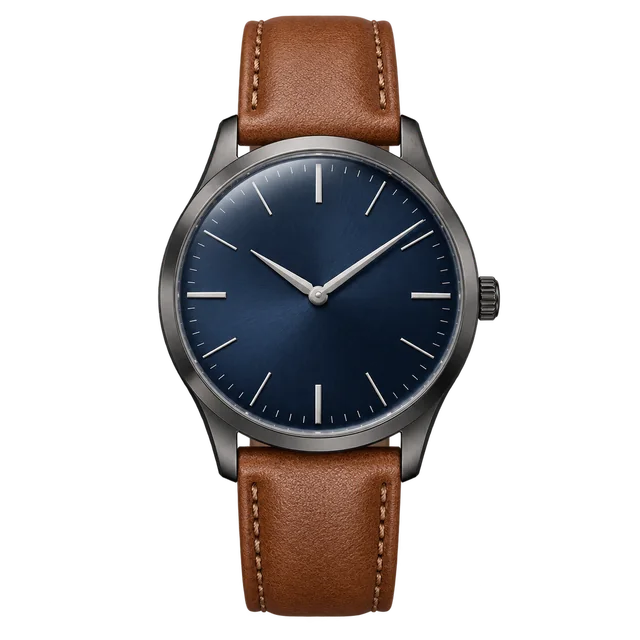
Watch · 3D model
Model parts and material choices.
01
Create your own editable copy.
Choose a route above. Try creating a draft.
?
These watches illustrate the 2D and 3D starter routes. Available templates and terms are shown in your account. Use this template creates an editable workspace copy. This demonstration creates a local example only. See your account for the currently available templates.
STARTER EXAMPLE
Watch · 2D layers
Aligned image layers
YOUR CONFIGURATOR
My watch
2DReady to create a copy
Editable workspace copy
02
Change one thing. See it in Preview.
Learn from the working example.
?
Inspect Elements, Layout and the connections from choices to image layers or model parts. The illustrated 3D route explains a GLB workflow; these watch pictures are not a rotatable model. Try the real GLB in Prepare 3D models.
2D example
Elements
Change the heading and see it in Preview.
Viewer → choices → quote actionReview the layout on desktop and mobile.
Choice → image layerPreview what changes when you pick a different choice.
MY WATCH / EXAMPLE
My watch
Dial & strapYour selectionSilver + Black
Request a quote →Interactive product exampleChange the heading. Then select Preview.
03
Put the same configurator on your website.
Publish your copy. Add its installation code.
?
To publish, you need an active account, a website added to ConfigUX and access to an HTML block on that website. Sign-up, verification and store setup can take additional time.
Example StoreWatches · Contact
MY WATCH / EXAMPLE
My watch
Dial & strapYour selectionSilver + Black
Request a quote →Interactive product exampleYOUR NEXT STEP
Choose a starter template Try it in your workspace.
Use the guide beside your own configurator.