Augmented Reality

Let customers see it in their space.

Move a configured product from the screen into the customer’s room. AR helps buyers judge scale, placement and fit before they take the next step.

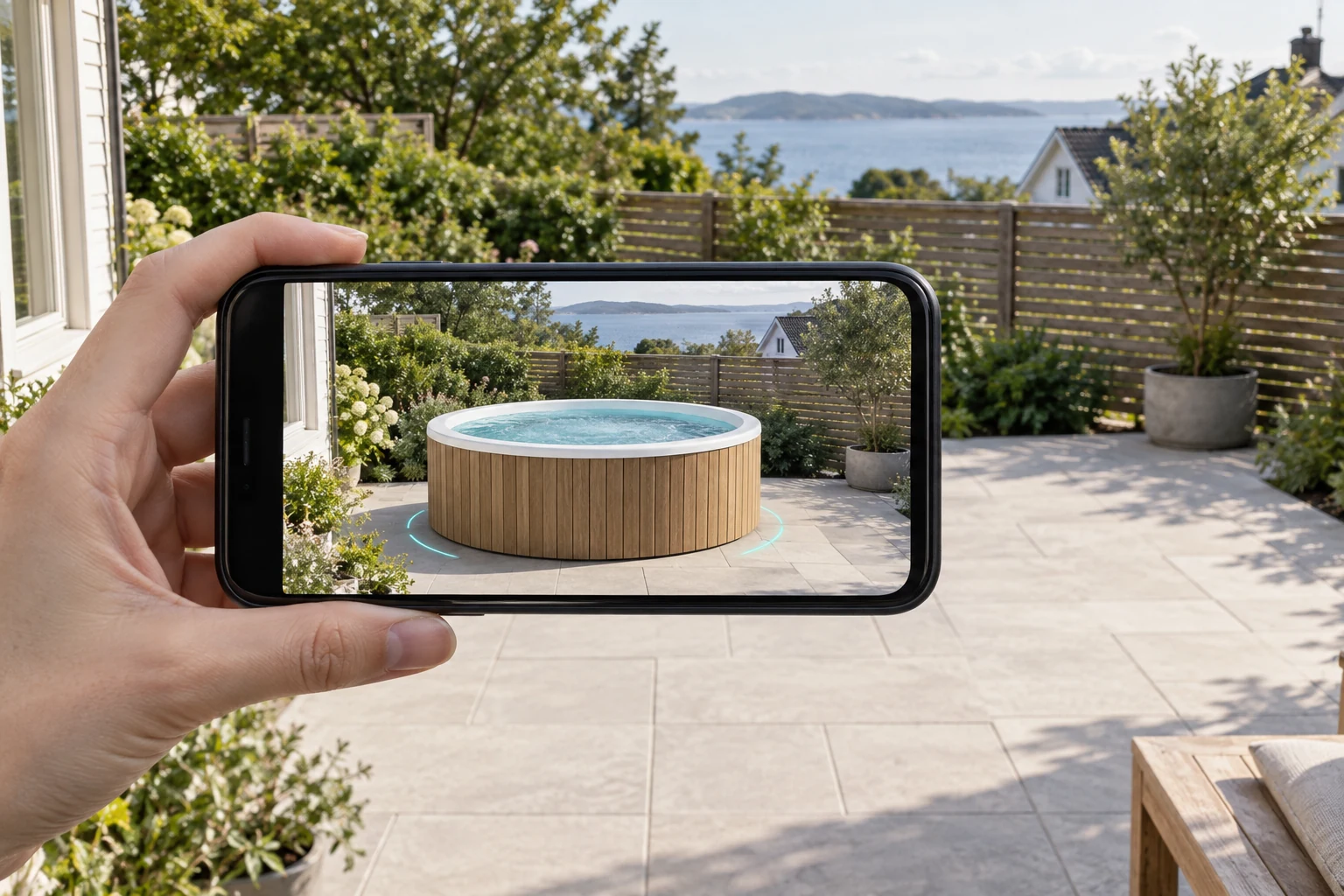
Customer using a phone to place a configured timber hot tub at scale in a garden
ARPlace at scale
Why AR?

Use AR when placement changes the answer.

AR adds value when customers need to understand the product in context – not simply see another product angle.

Customer using AR to understand the scale of a timber hot tub in a garden
01

Judge the scale

See how large the configured product feels beside the furniture, walls and open space already in the room.

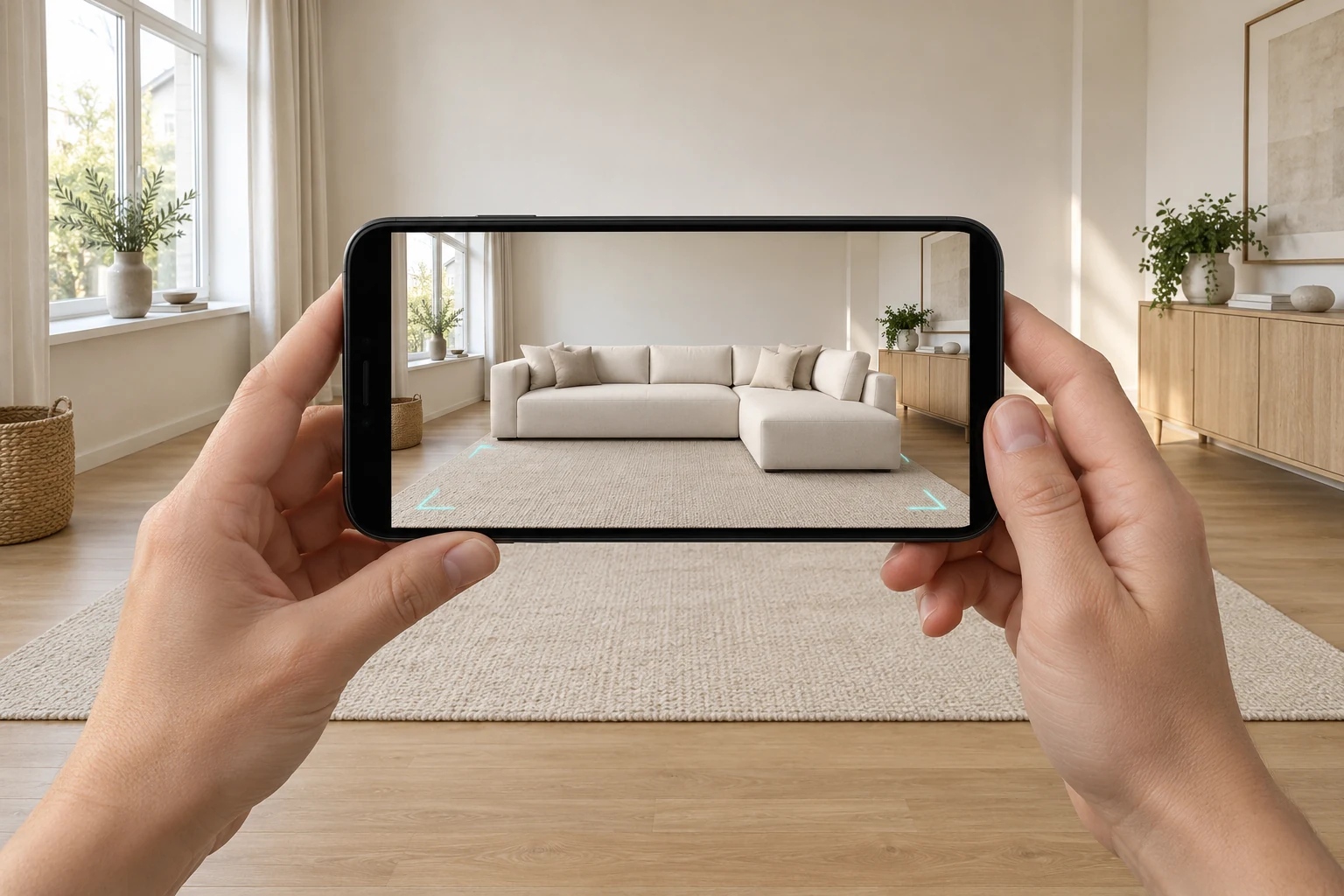
Customer checking the footprint and clearance of a modular sofa with AR
02

Check the fit

Explore the footprint and placement before committing to a product that must work in a specific space.

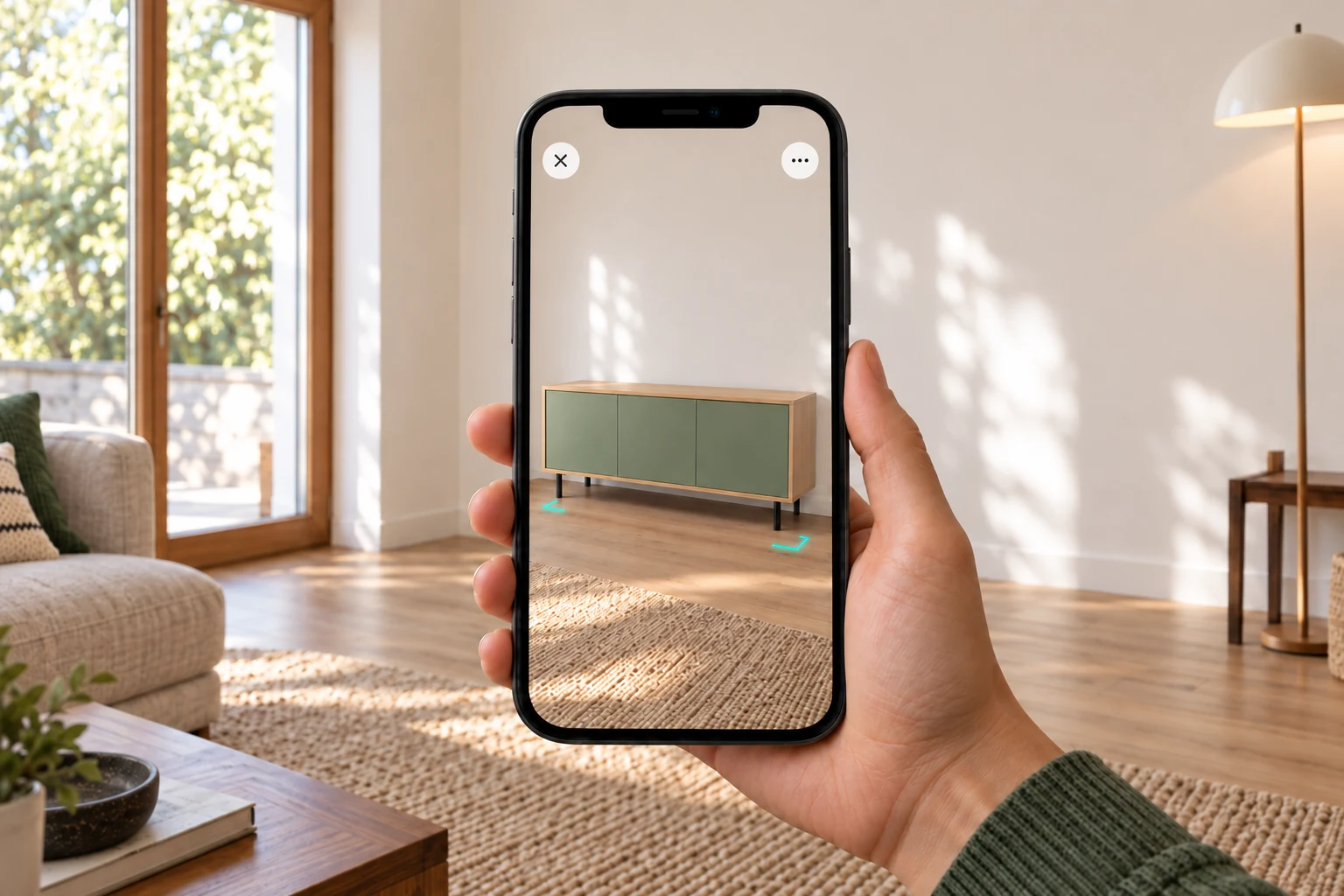
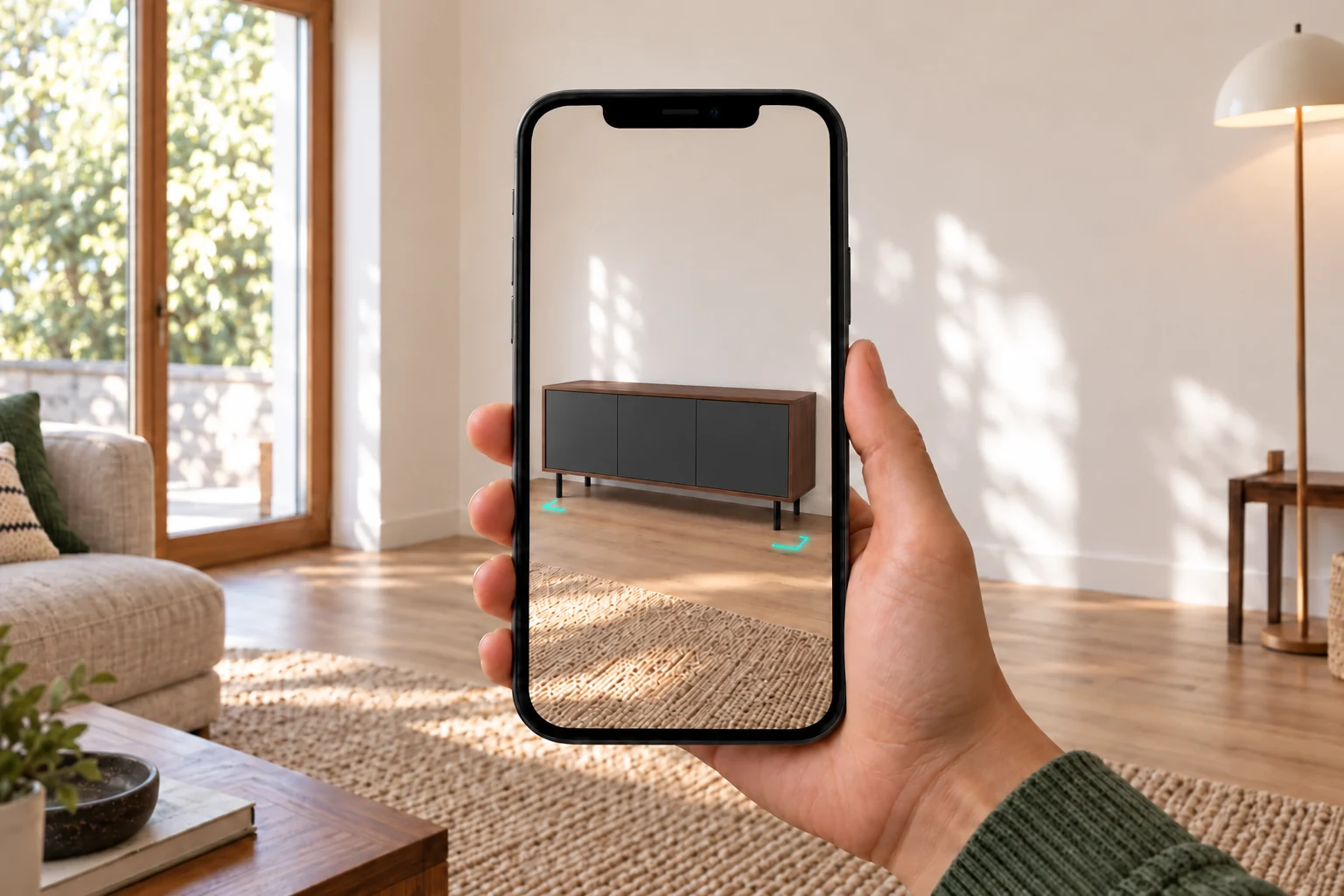
Configured sideboard shown at believable scale in a familiar living room
03

Build confidence

Keep the chosen configuration visible in a familiar setting while the customer makes the final decision.

Product to room

From product view to real room.

The configuration stays the same. AR adds the customer’s surroundings so scale, placement and context become part of the decision.

  • Carry the selected product into AR
  • Open it on a supported mobile device
  • Continue with the same configured result
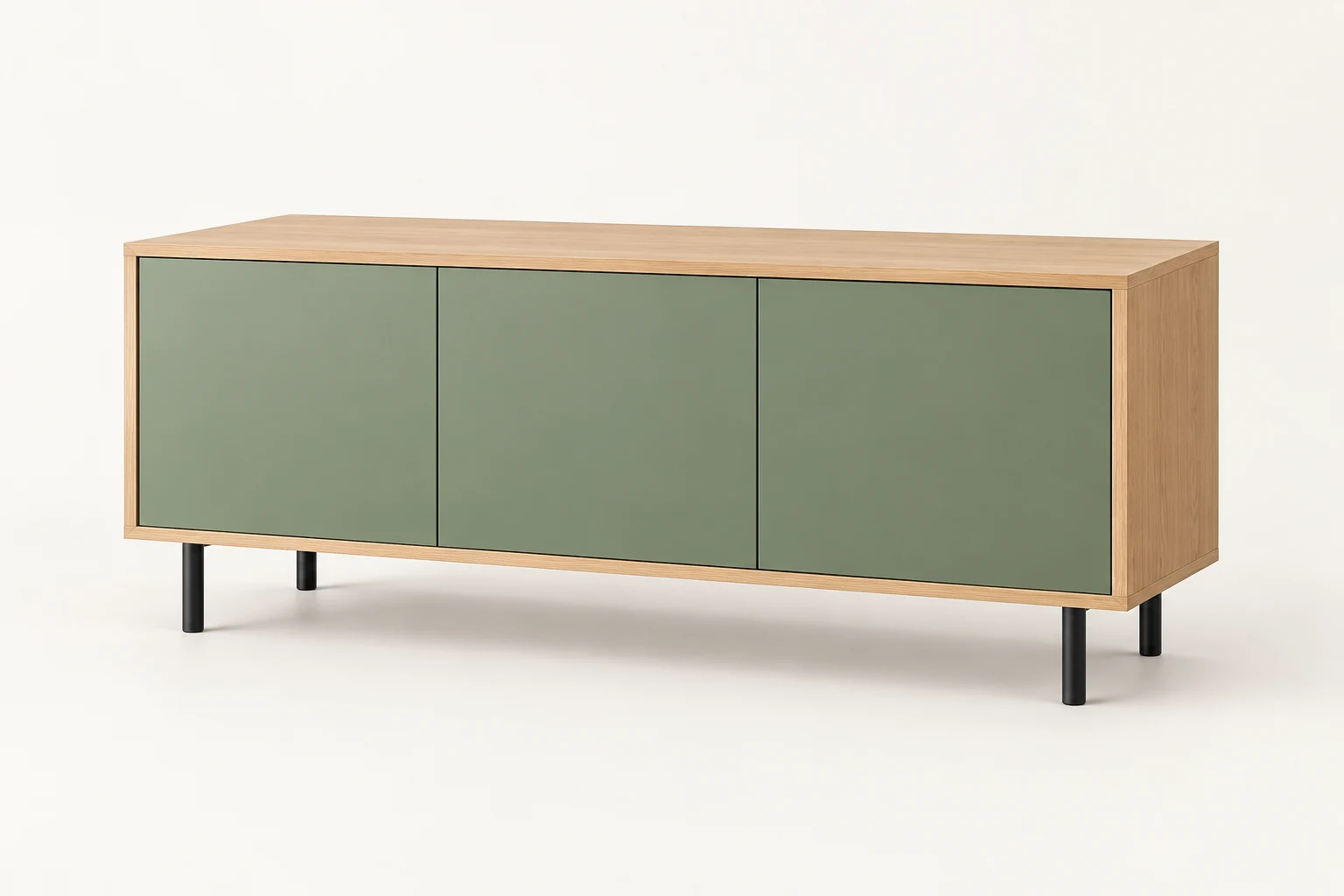
Configured four-finish sideboard on a clean studio background
SideboardConfigured product
The same configured sideboard placed at scale in a Scandinavian room
SideboardPlaced in room
Configured warm white modular sofa and ottoman on a studio background
Modular sofaConfigured product
Customer viewing the same modular sofa at scale through an AR phone preview
Modular sofaPlaced with AR
A clear route

Keep the AR journey simple.

AR should be a useful next step inside the buying flow, not a separate experience customers have to understand.

Product team mapping choices, materials and rules for a configurable product
01

Map the product

Define the choices, rules and product states customers can configure.

Cargo bike configurator showing valid component and finish choices
02

Configure it

Let the buyer choose the valid size, material and components first.

Configured sofa moving from a desktop product view to an AR preview on a phone
03

Open on mobile

Move the selected result into the supported AR experience.

Configured product continuing into checkout and a quote summary
04

Continue the result

Return to cart, lead, quote or the next sales step with the configuration intact.

AR or 3D

Add AR only where context adds confidence.

Not every configurable product needs AR. Use it when seeing the product in the real space removes an important doubt.

CHOOSE AR

Placement and scale lead the decision.

A strong fit for furniture, outdoor products, wellness systems and products that must work in a specific room or setting.

3D MAY BE ENOUGH

Shape and interaction lead the decision.

Use interactive 3D without AR when customers mainly need to rotate the product, change its structure or explore components.

Explore the 3D route

Place one real product before you commit.

Bring the product and the space it needs to fit. We will assess whether placement and scale make AR useful for that decision.

Book a product demo