
Urban Watch 2D
2D watch
configurator.
Make it yours.
Choose a watch style and strap. See your combination in a 2D product preview built from prepared image layers.
Try Urban Watch 2DOpens the full-screen demo. Demonstration only; not for sale.
Compare the 3D demo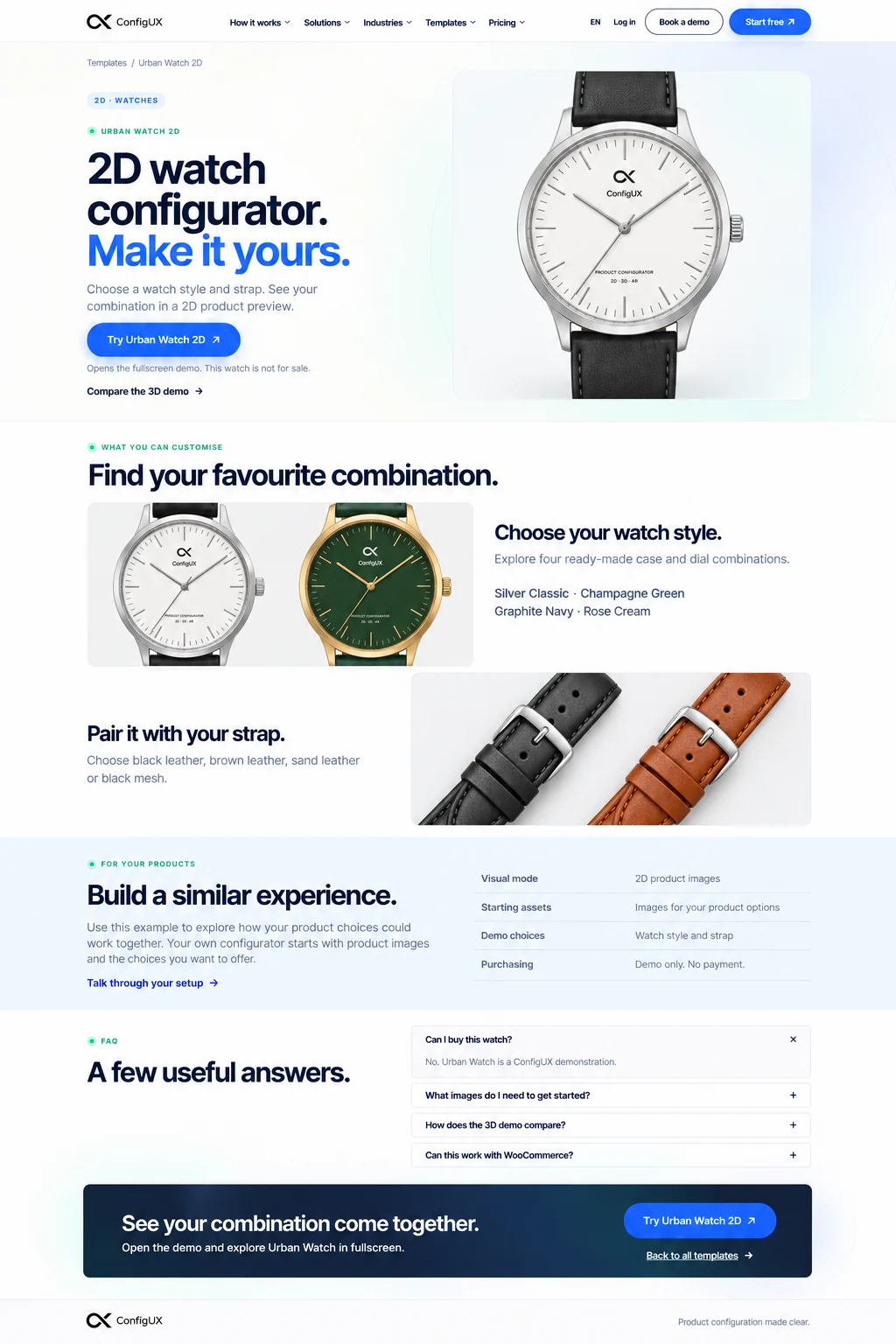
What you can customise
Find your favourite combination.
Choose your watch style.
Explore four ready-made case and dial combinations. Each watch style is a prepared image, so the details stay consistent in the same product view.
Pair it with your strap.
Choose black leather, brown leather, sand leather or black mesh. Four watch styles and four straps give you 16 combinations to explore.
For your products
Build a similar experience.
Use this example to explore how product choices can work together with images. Your own configurator starts with your product visuals and the choices you want to offer.
Talk through your setup| Visual mode | Layered 2D product images |
|---|---|
| Starting assets | Images for your product options |
| Demo choices | Watch style and strap |
| Purchasing | Demonstration only. No payment. |
FAQ
A few useful answers.
Can I buy this watch?
No. Urban Watch is a ConfigUX demonstration. The watch is not for sale and no payment or order is completed on this website.
What images do I need to get started?
Prepare images for each configurable part using the same camera angle, scale and alignment. Transparent layers let the selected parts appear together in one consistent preview.
How does the 3D demo compare?
Urban Watch 2D uses a fixed image view and ready-made watch styles. Urban Watch 3D uses a model you can inspect from different angles, with material and visual choices.
Can this work with WooCommerce?
ConfigUX can connect an image-based configurator to a WooCommerce product. The configured choices can be carried into a cart. Our watch demo products are prepared separately; their connection is completed in the ConfigUX account.