
One platform for complex products.
ConfigUX turns product data, rules, pricing and visuals into a clear buying experience – connected to commerce and sales.
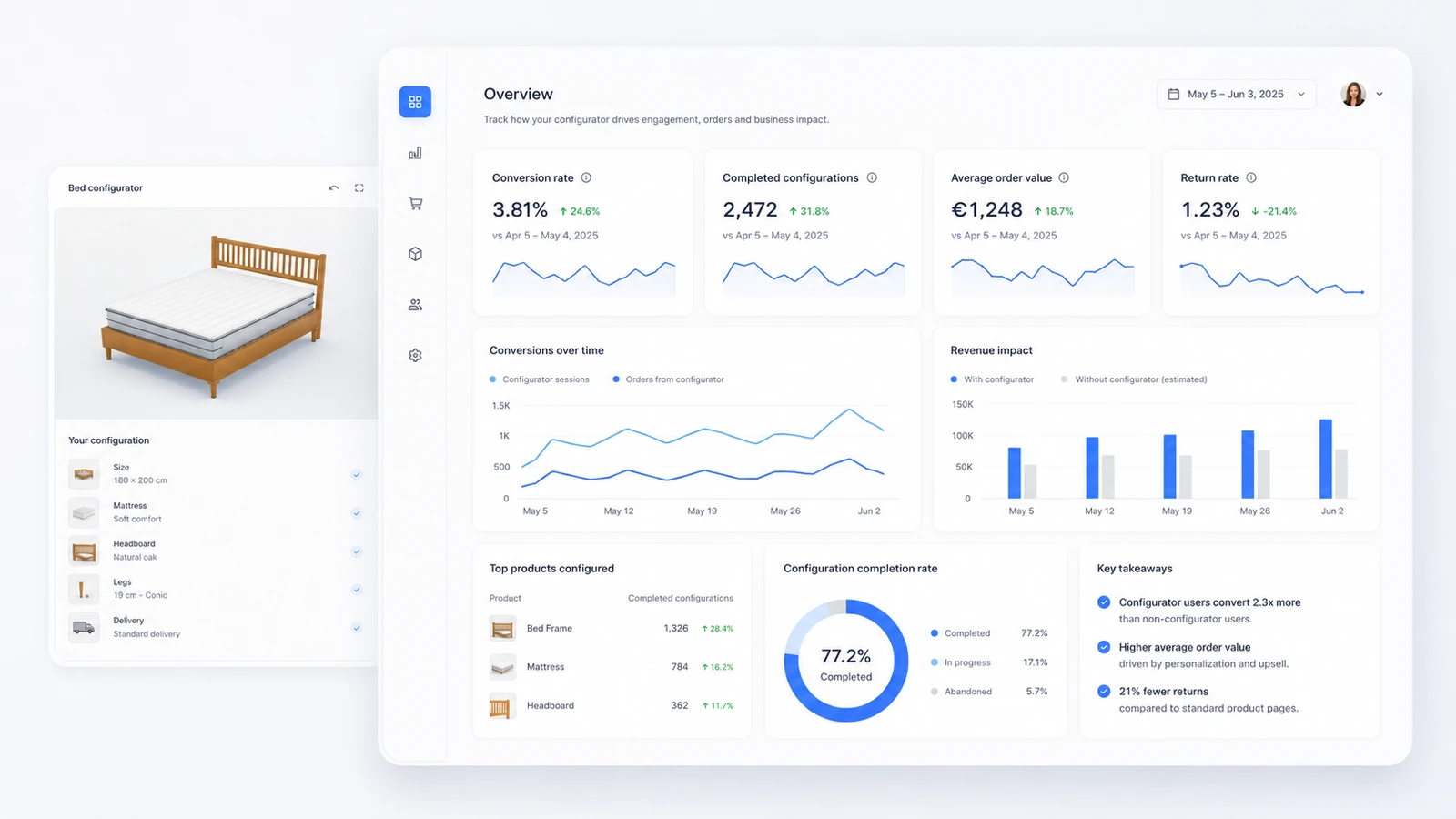
Set it up once. Use it across every sales flow.
Keep visuals, choices, rules and prices together. The same structured configuration can continue into commerce, lead generation, assisted sales and connected systems.
One clear product model
- Visuals
- Choices
- Rules
- Prices
Webshop & cart
Guide the product choice, then hand the selected configuration to the cart.
Leads, quotes & PDFs
Keep the chosen options together for follow-up, a quote or a sales document.
Sales team
Give sales a clear configuration to review, discuss and continue.
API & integrations
Connect the product setup to the systems that matter to the wider flow.
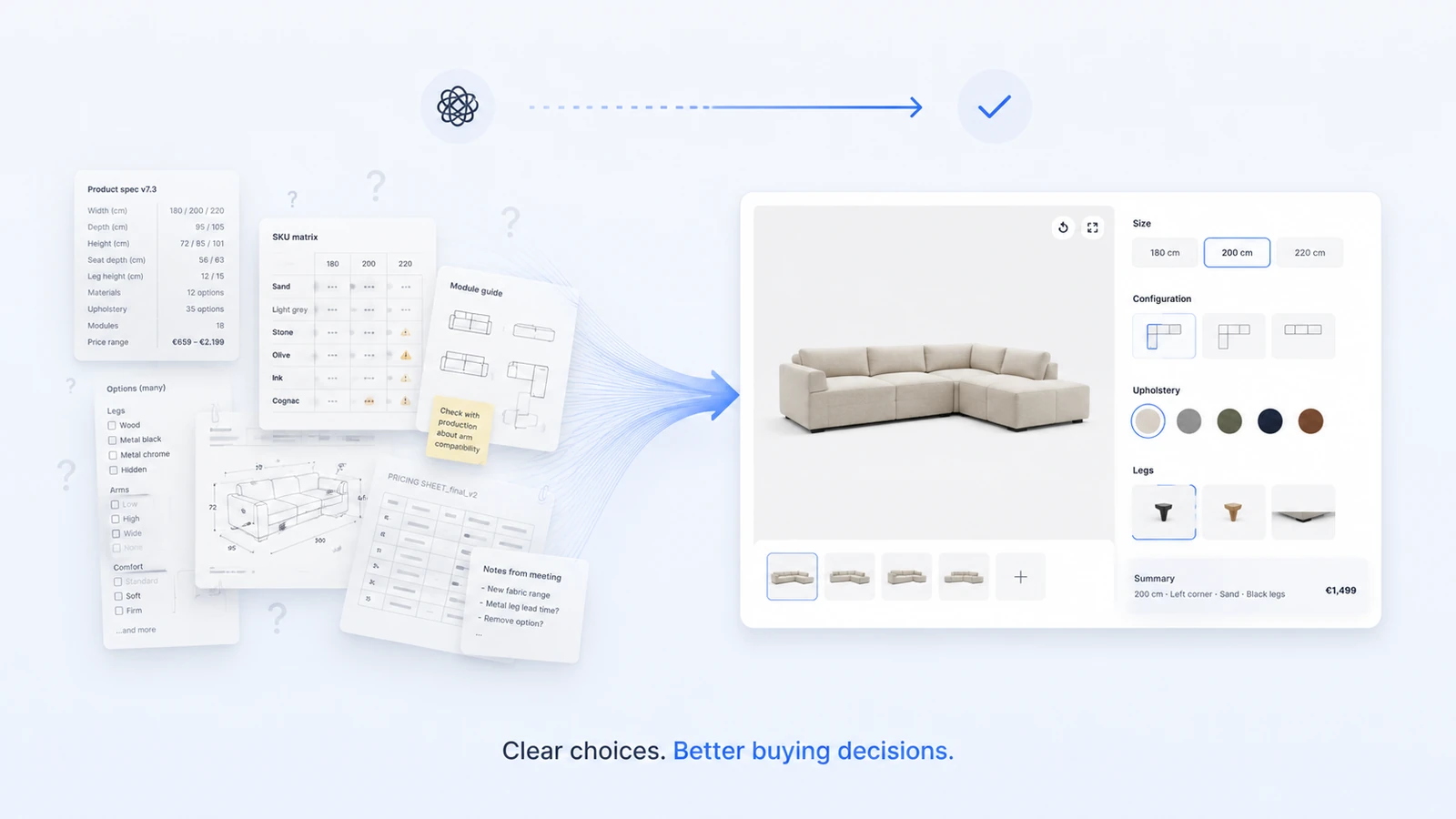
Manage the product without rebuilding the experience.
Use the ConfigUX admin to maintain options, rules, pricing and content as the product changes.
- Options and conditional rules
- Pricing, copy and media
- Reusable product structures
2D or 3D?
Use the format that explains the product clearly. Some products benefit from one approach; others use both.
When material detail matters
Layered product photography is a strong fit for photorealistic fabrics, finishes and surface details. It can feel quick and lightweight, with an asset-production scope that is often lower than a full 3D setup.
When form and movement matter
3D can let buyers rotate the product, change dimensions or components, and use AR on supported devices.
When both have a role
Combine 2D for close material detail with 3D for shape, interaction or placement when that gives buyers a clearer choice.
Send each configuration to the right next step.
Connect ConfigUX to WooCommerce, Shopify or a custom API, then continue to checkout, lead capture or a sales document.
- Product and cart handoff
- Structured leads and branded PDFs
- API, CRM and enterprise workflows
Prepare a 3D model for configuration.
Inspect GLB or GLTF files, identify editable parts and export a ConfigUX plan in your browser.
Open Model Planner →
See ConfigUX around a real product.
Bring one product and its most difficult choices. We will map the clearest first setup.