Sell configured products with WooCommerce.
Connect your store. Link a product. Test the cart.
Read the steps ↓
Before you start Start with a published configurator, a connected WooCommerce website and the store product you want to use.
Choose your store and product.
In Configurators, select Connect and choose WooCommerce. Select the connected website, search for your product and select it.
Check that you have selected the intended store product before continuing.

Connect the published configurator.
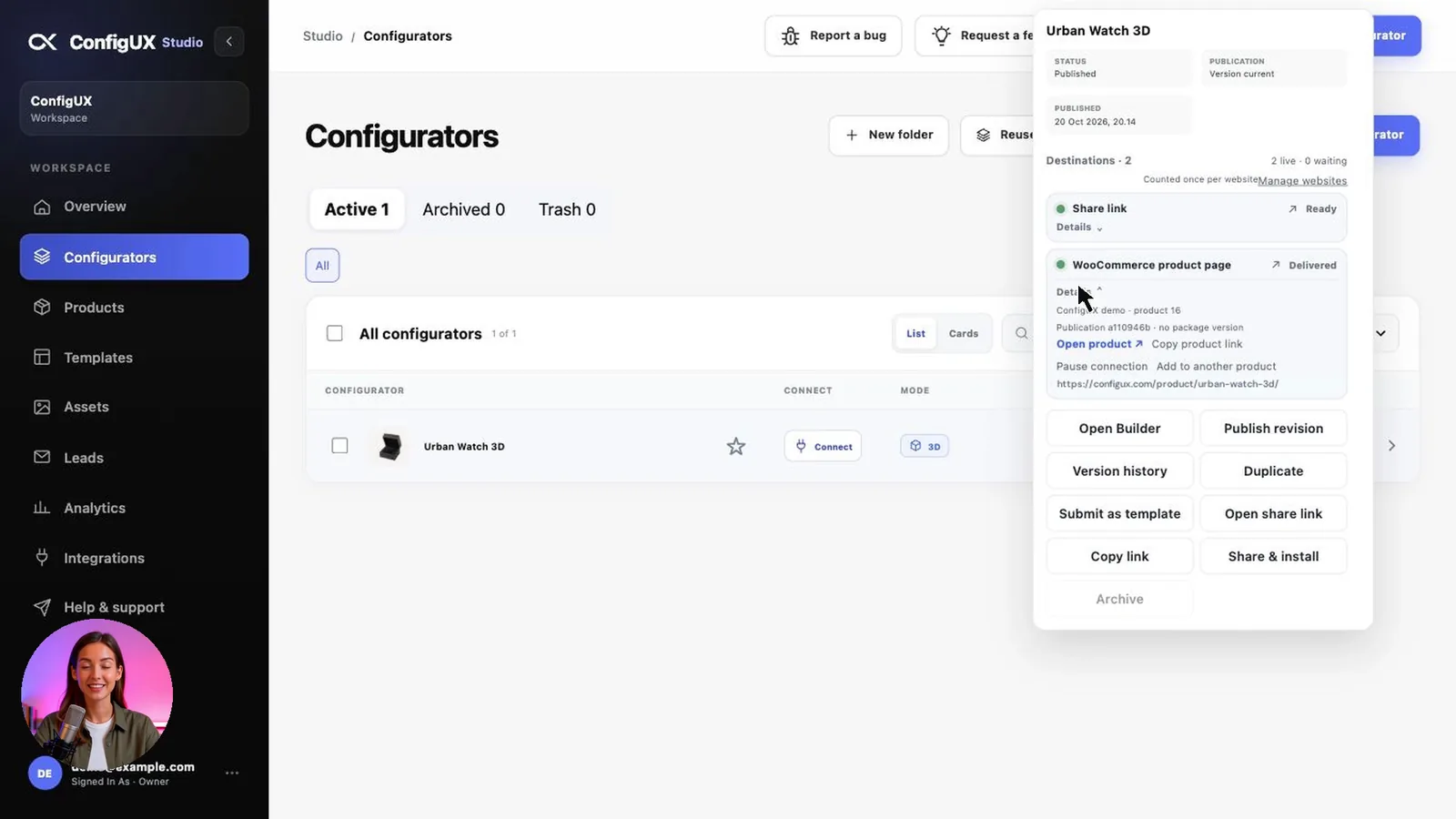
Select Connect product. After the connection completes, open the configurator’s three-dot menu.
Expand Details and select Open product to check the published destination.
Test the choices and cart item.
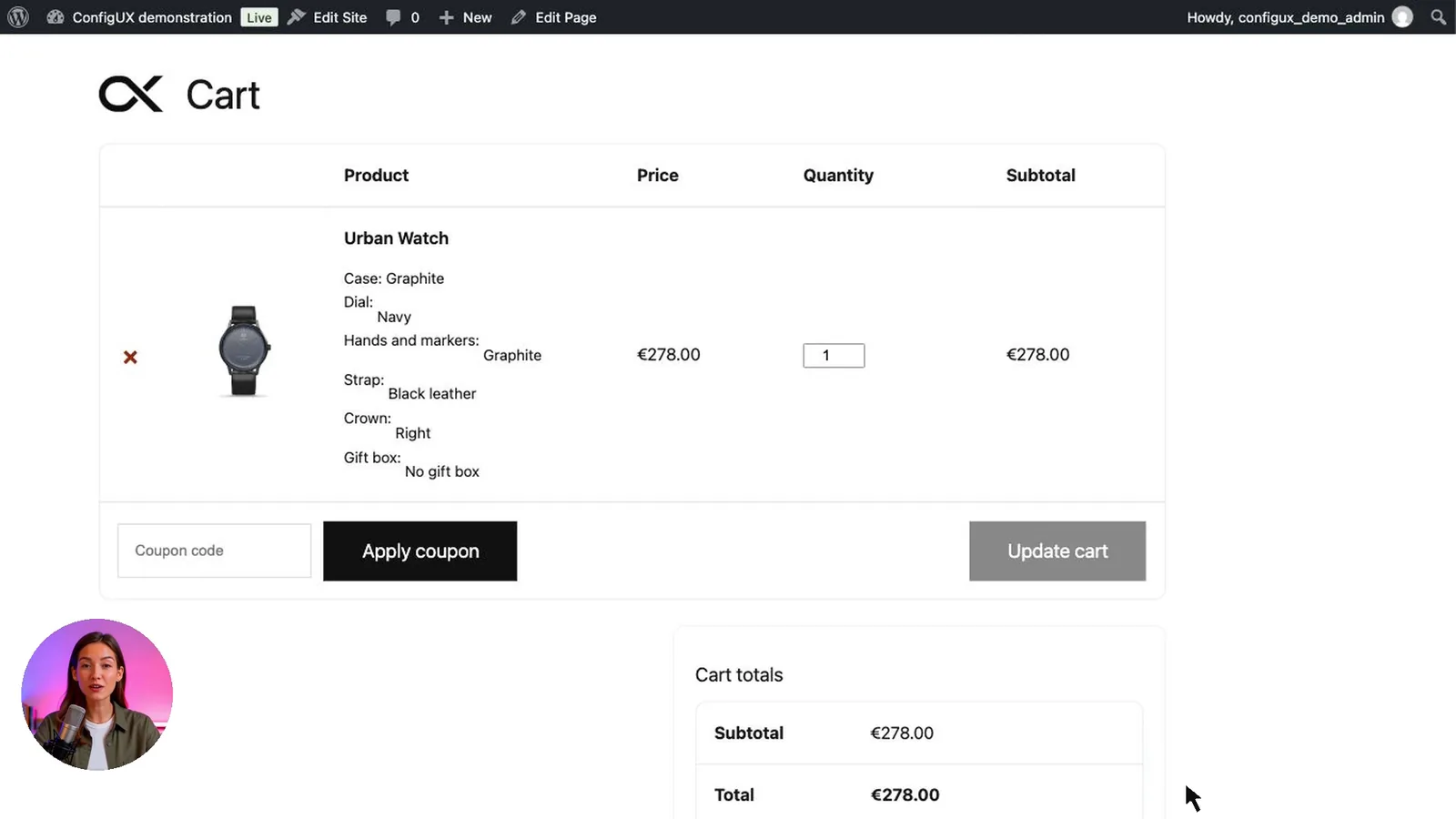
Open the product page, change an option and add the configured product to the cart. Check the selected options and price.
Before sharing the store with customers, check the full journey on desktop and mobile, including taxes, checkout and order details on your own store.