
PRACTICAL GUIDE
Install with WordPress.
Add the shortcode. Preview the page. Publish when ready.
Read the steps ↓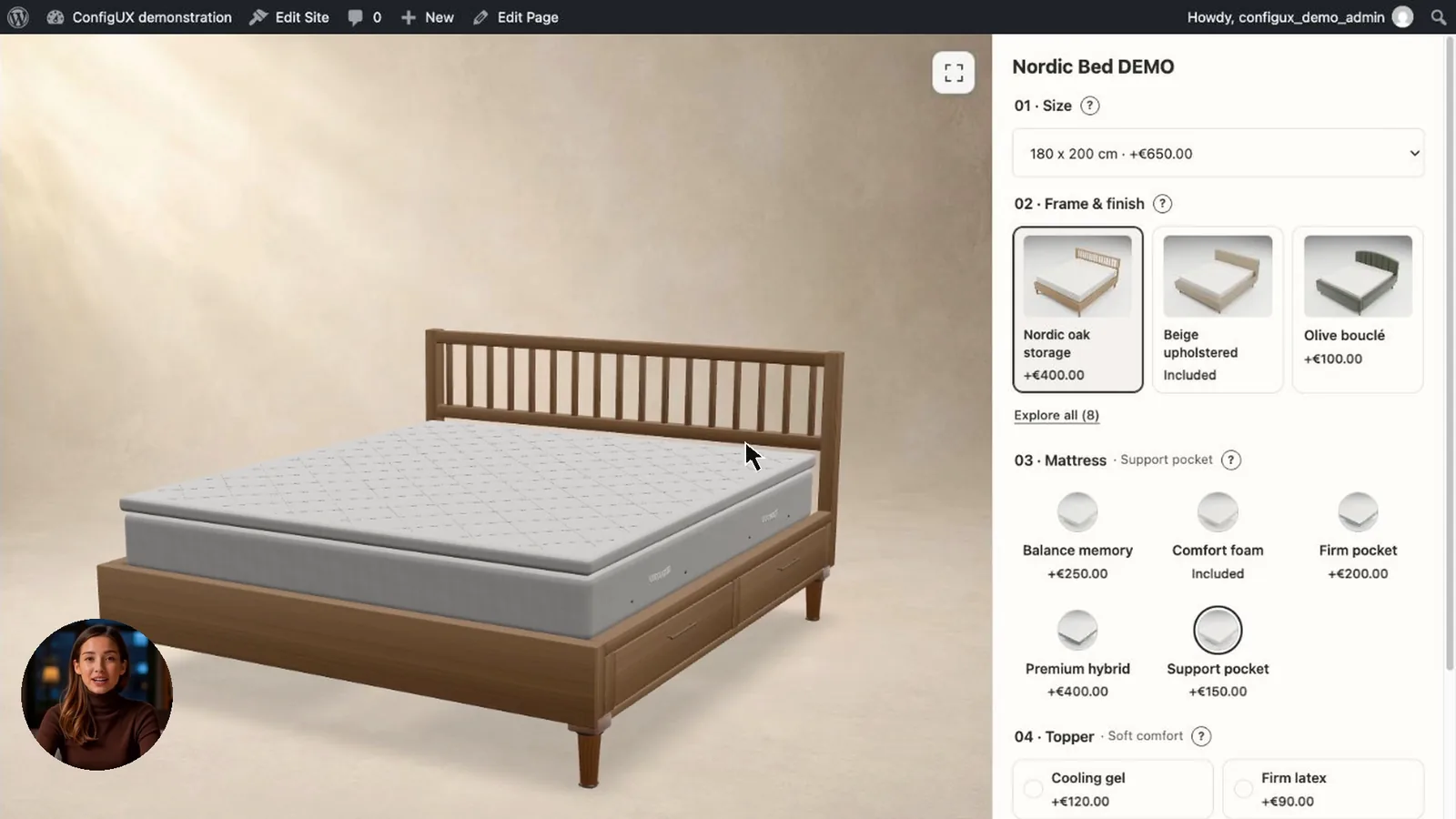
Follow the steps
01
Copy your WordPress shortcode.
Save your changes, check Preview and publish your configurator. Saving a draft and publishing are separate steps.
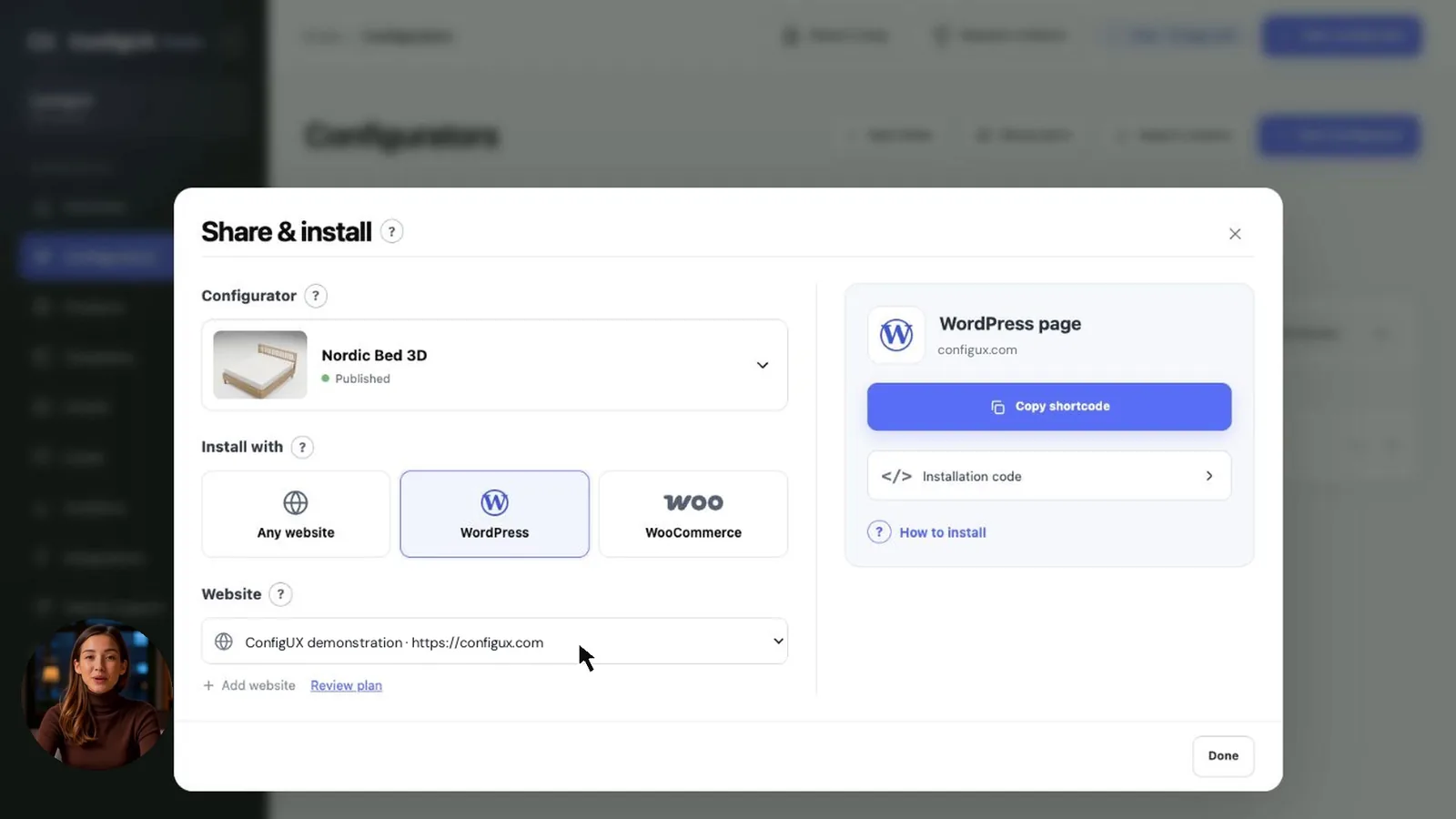
Return to Configurators and choose Connect. Select WordPress and your connected website, then copy the shortcode.
02
Add a Shortcode block.
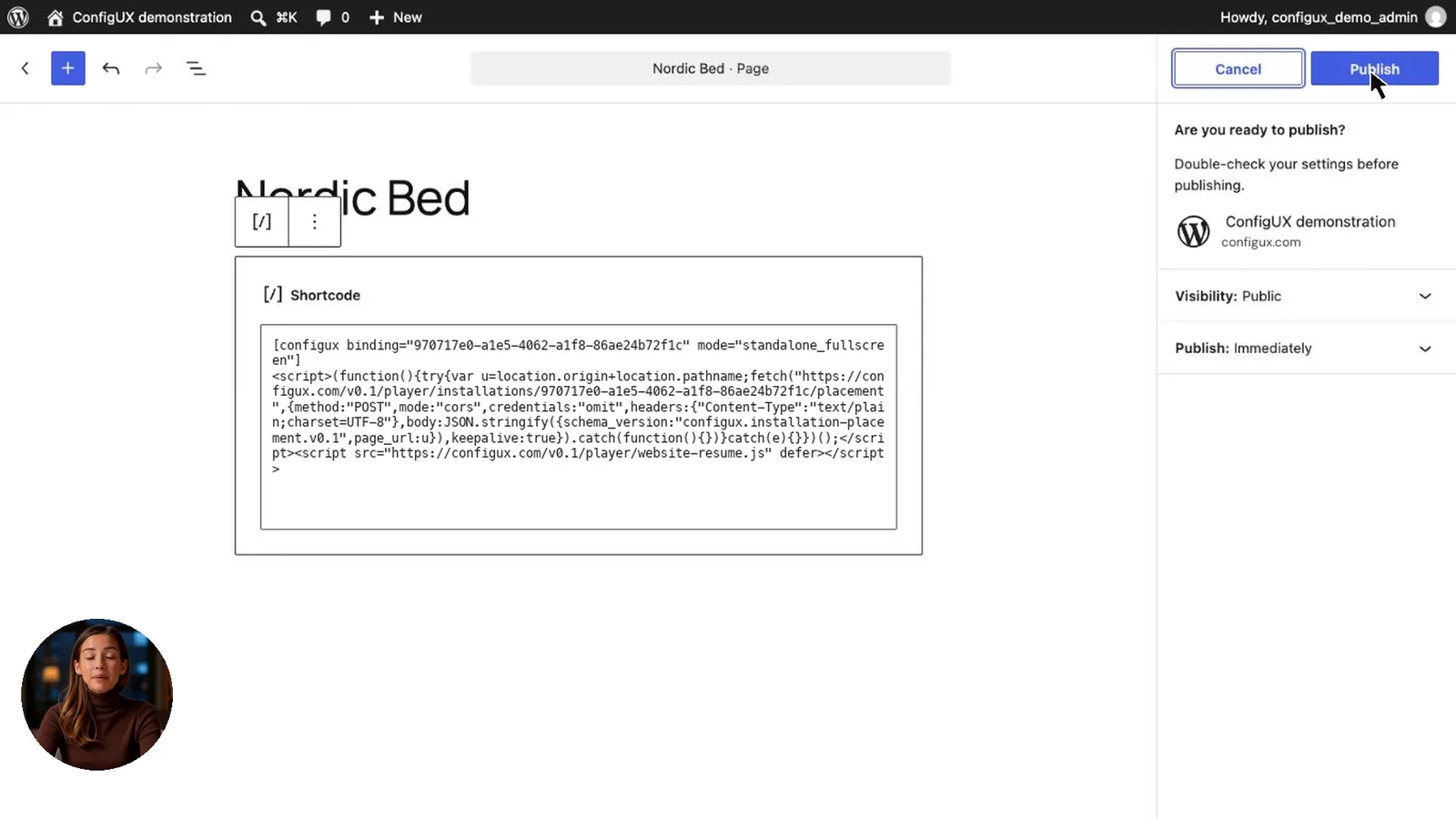
Open the page in WordPress and add a Shortcode block. Paste the complete shortcode you copied from ConfigUX.
Preview the page before you publish it.
03
Preview, publish and test.
Publish the WordPress page. Open the result and change a choice to check that the configurator works.
If your flow uses quote requests, make your own controlled email and PDF test before sharing the page with customers.