
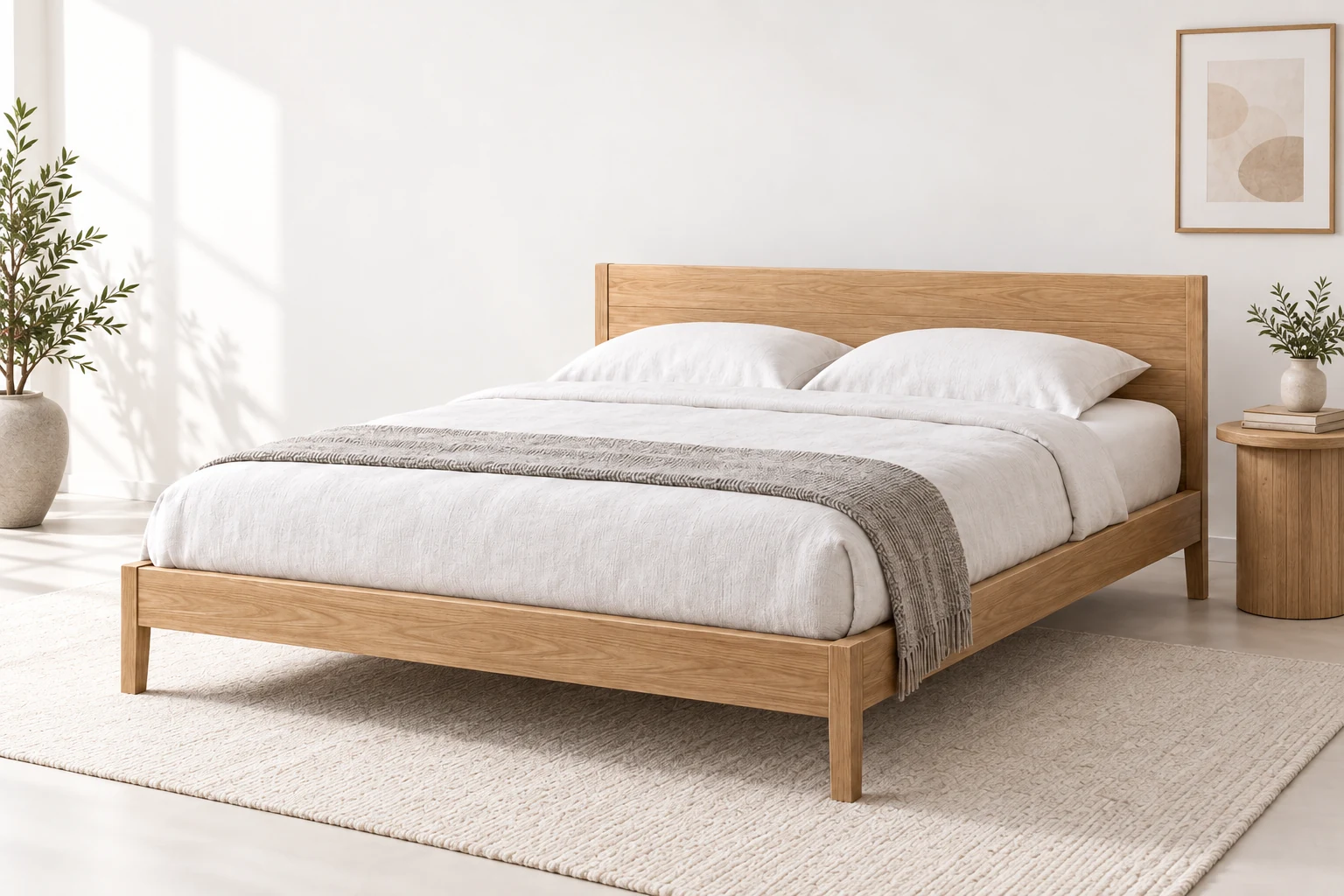
Understand the form.
See the choices together.
Cart or quote, matched to your setup.
From first choice to production.
Give customers a premium path through every step.
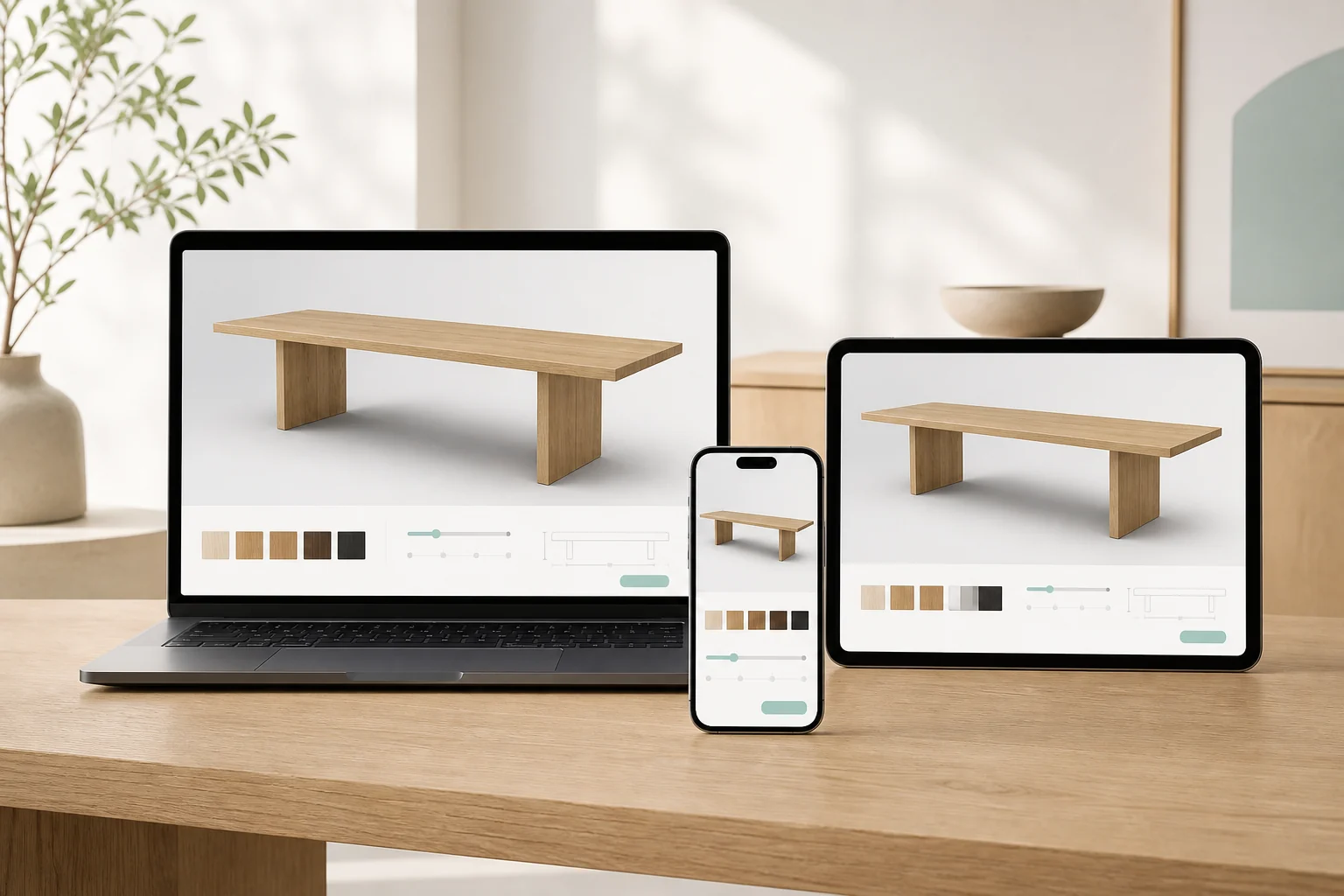
Configure anywhere.
Let customers explore the same product on desktop, tablet and mobile.
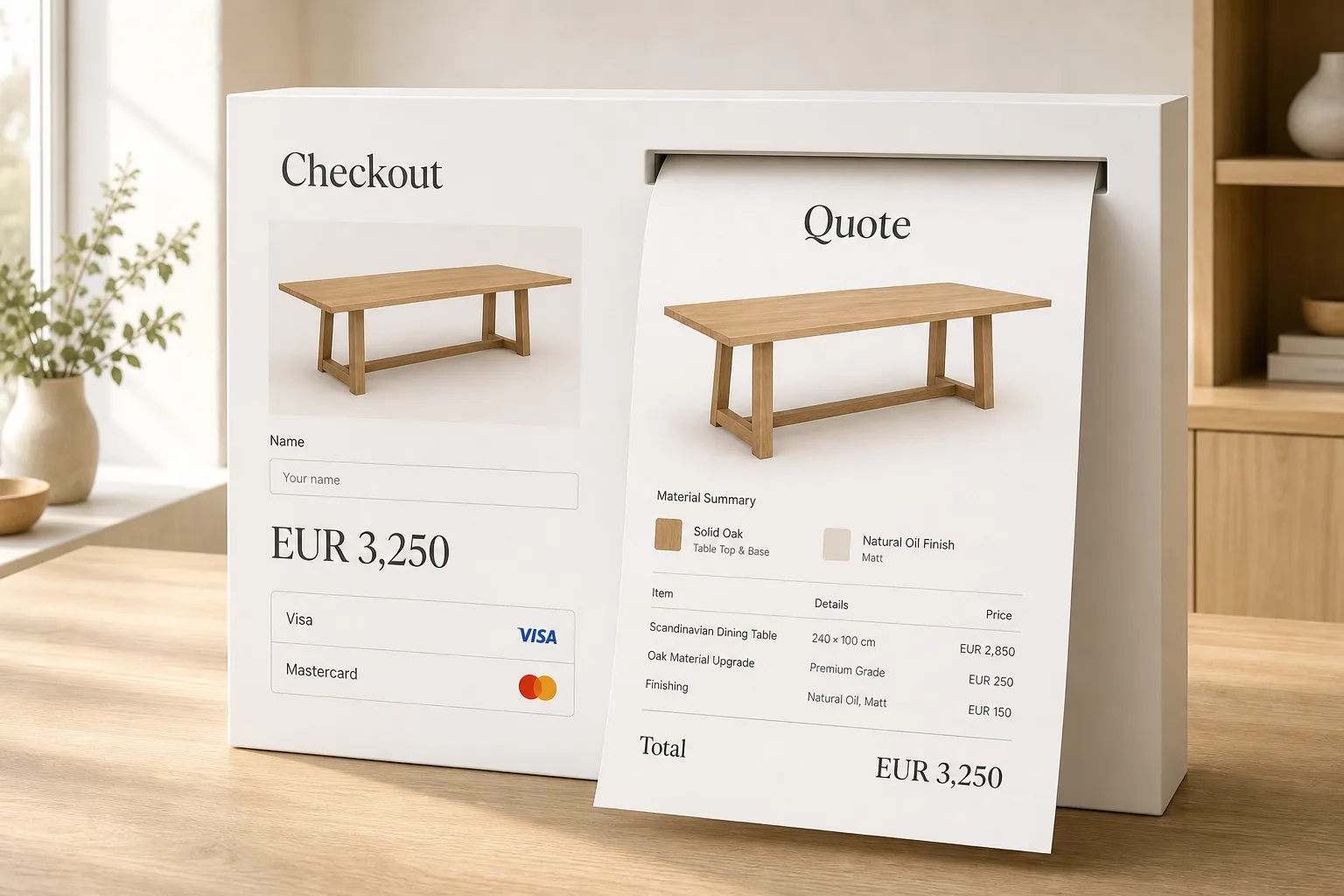
Cart and quote.
Send the exact configuration to checkout or a clear proposal.
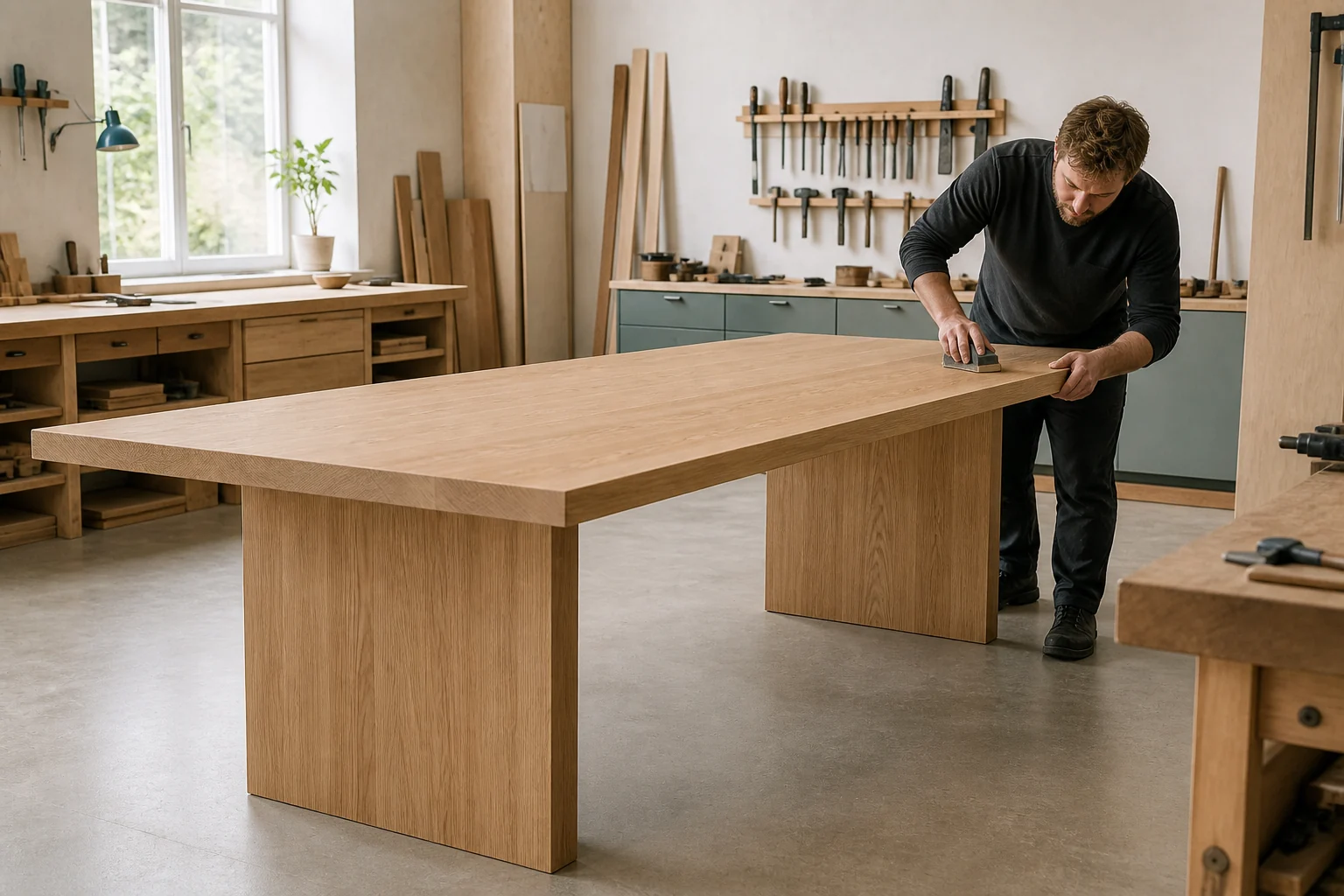
Move into production.
Carry the selected dimensions, materials and options into the workshop.
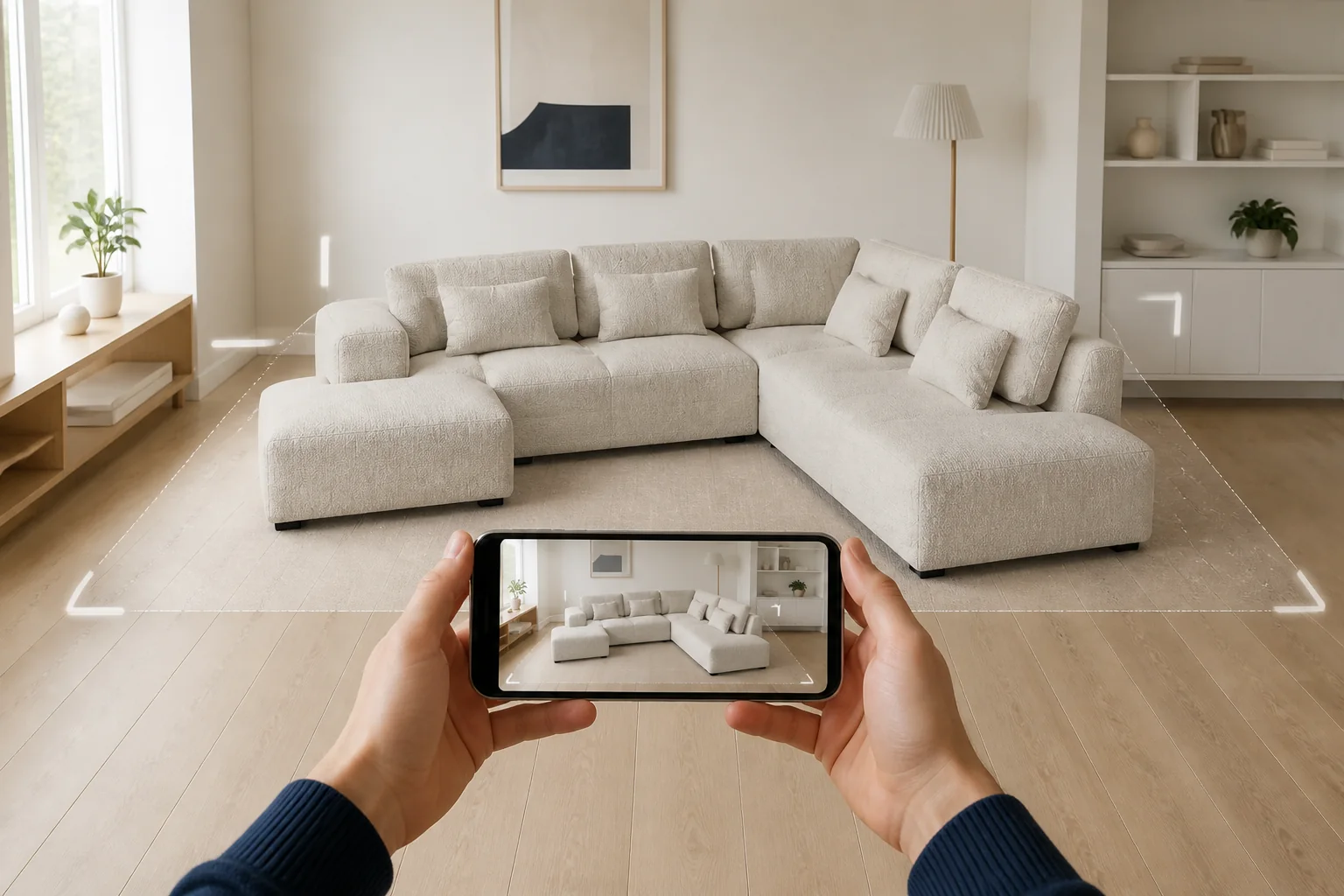
See it in the customer’s space.
Move the configured product from the screen into the room before the customer orders.
- Check scale before ordering
- Preview the configured product
- Move from 3D to AR on mobile
Configure the product from every angle.
Watch size, frame and leg choices update around one interactive premium bed experience.

What you need to get 3D running.
Four practical steps. One maintainable buying experience.
Explore 3D Models & Materials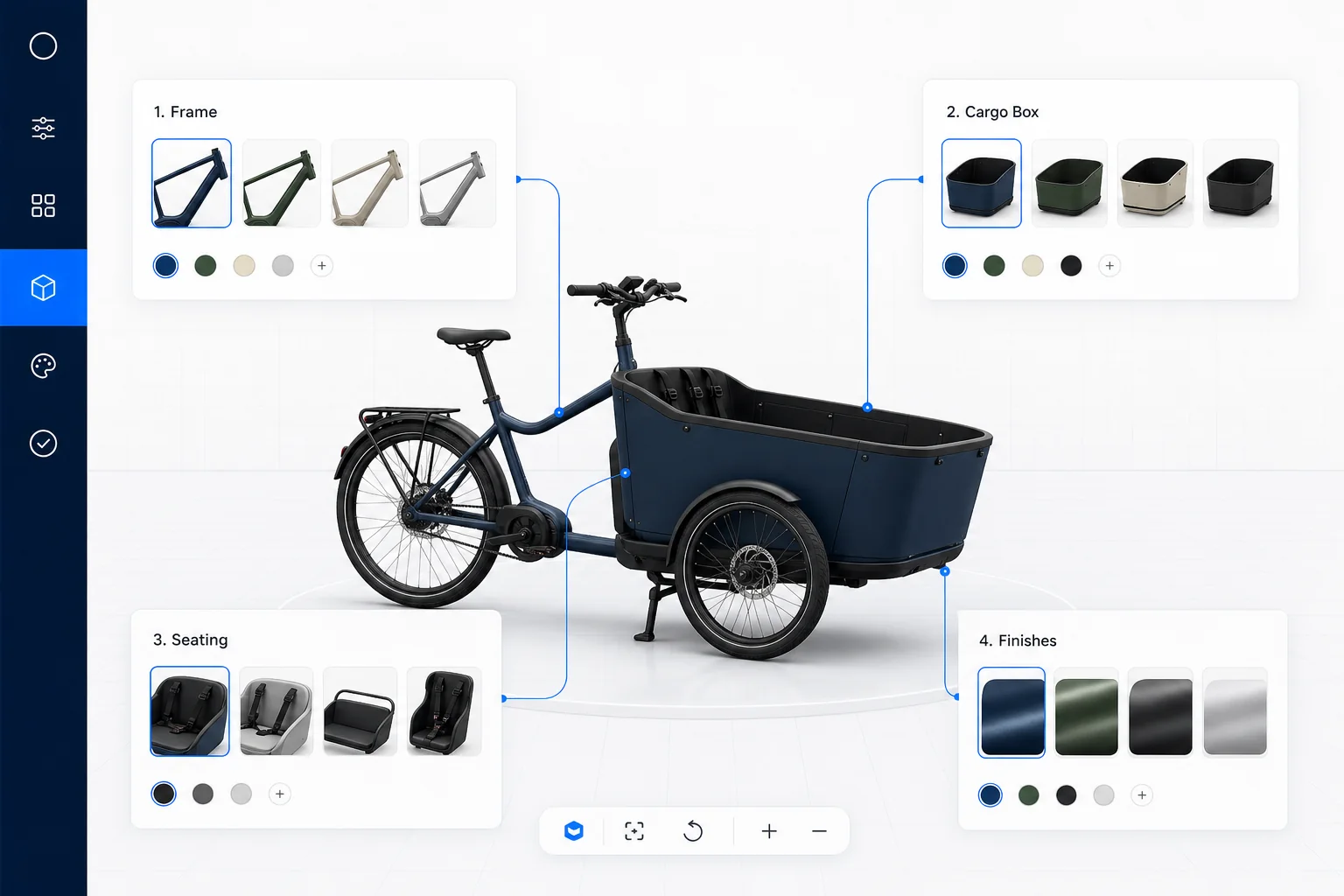
Mapping the
product.
List the choices and rules customers need.
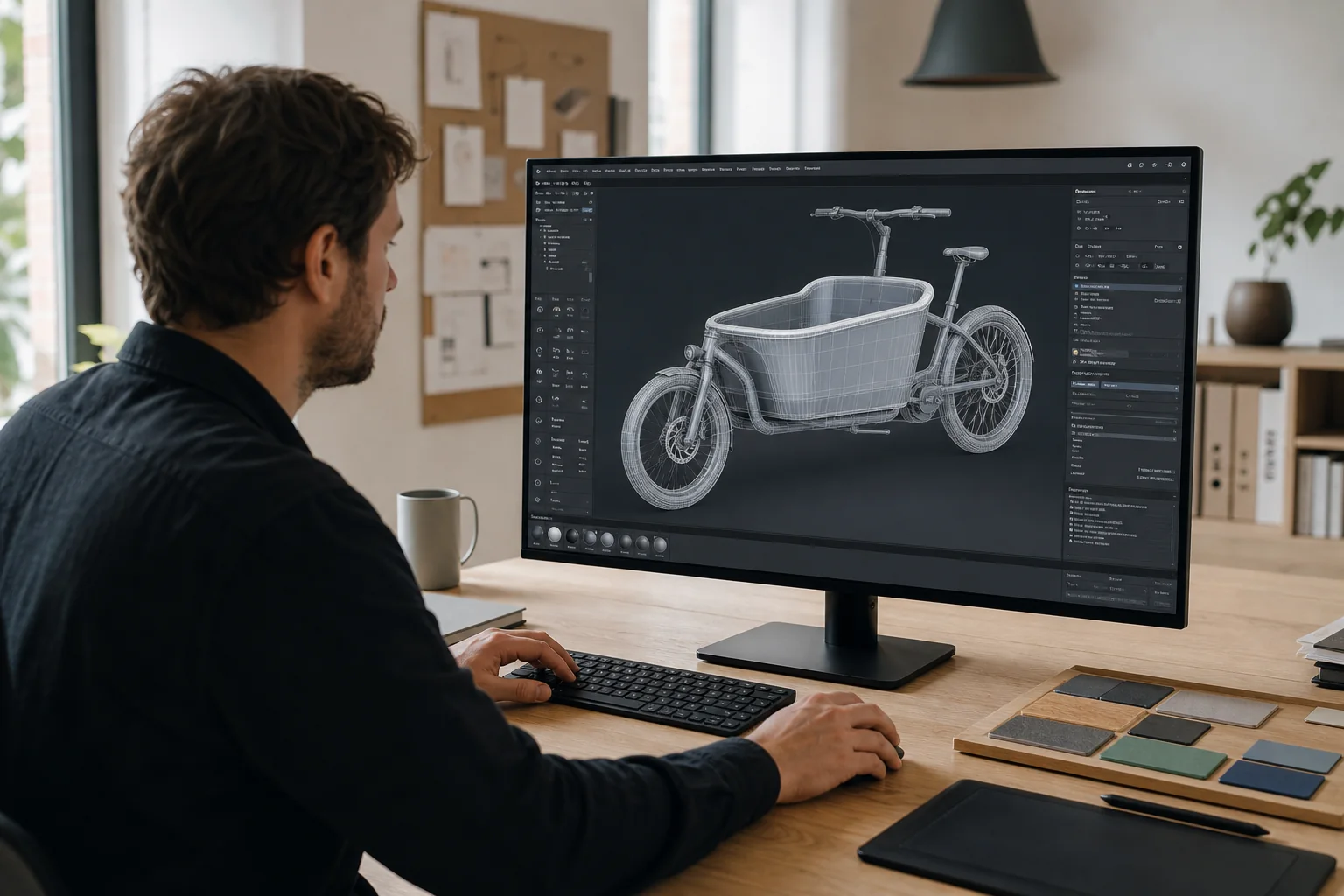
Prepare the model.
Build or optimise the 3D assets for those choices.
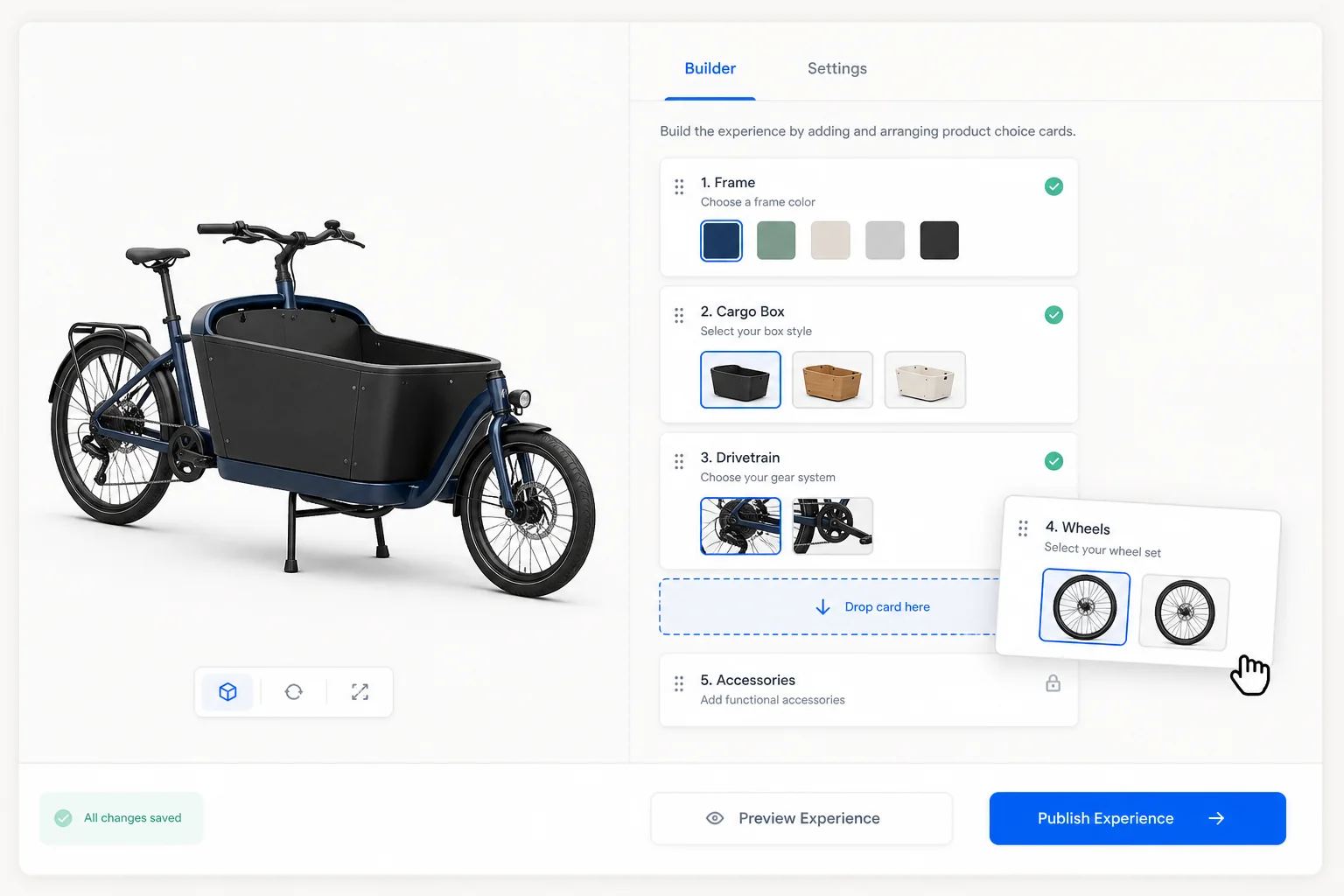
Build the experience.
Arrange the choices in one clear buying flow.
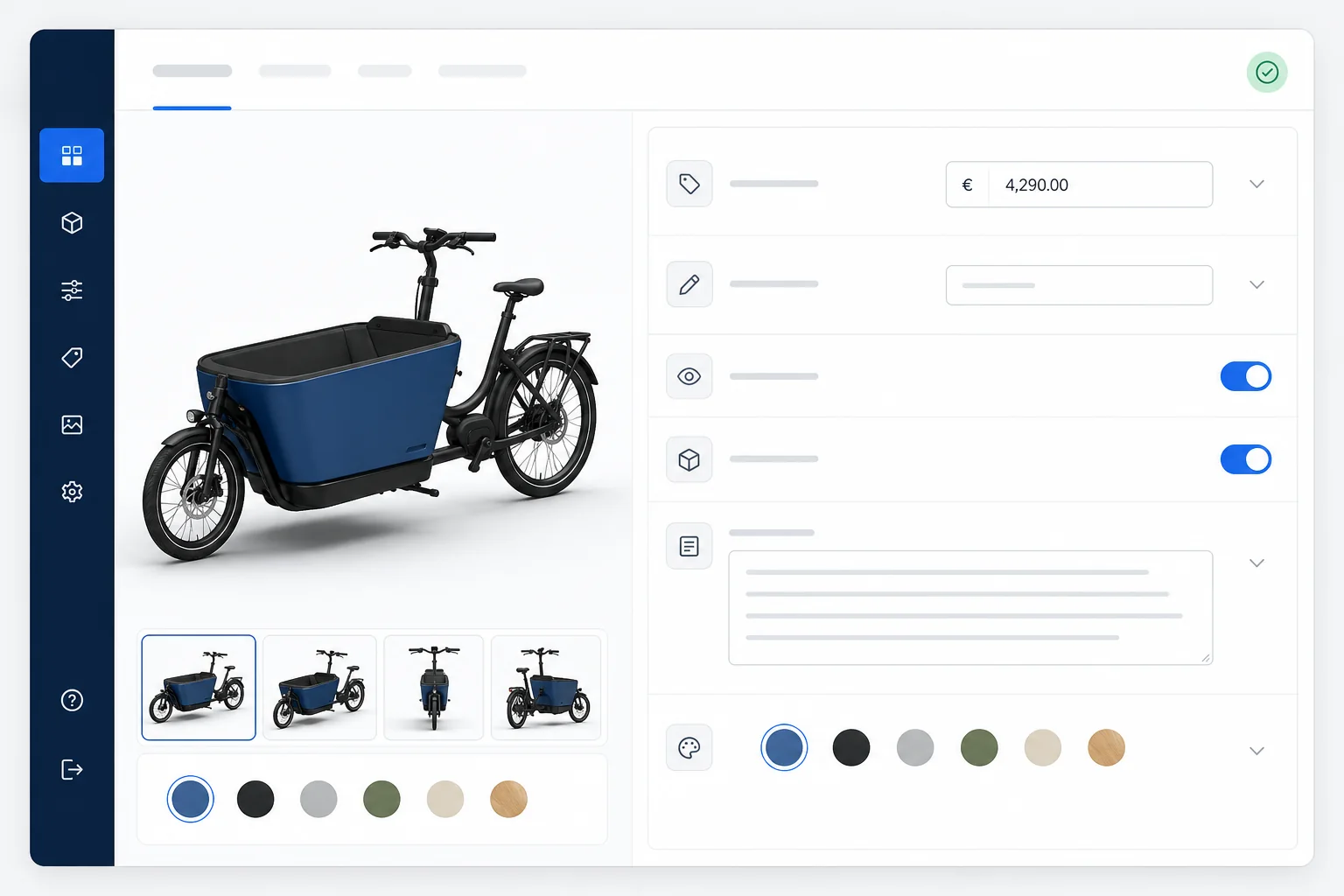
Keep it up to date.
Edit prices, labels and options without rebuilding everything.
Use the visual format that makes the choice clear.
Not every product needs the same setup.
Form, scale or movement.
Use 3D when buyers need to explore structure or placement.
Finish and photographic detail.
Use layered 2D when surfaces and materials matter most.
Explore the 2D route →See 3D around one real product.
Bring the product and its key choices. We will map the simplest useful 3D route.