
Configurator mapping
Turn product knowledge into a build-ready system.
Organise the product, choices, relationships and customer output in one visible backend map before assets or development begin.
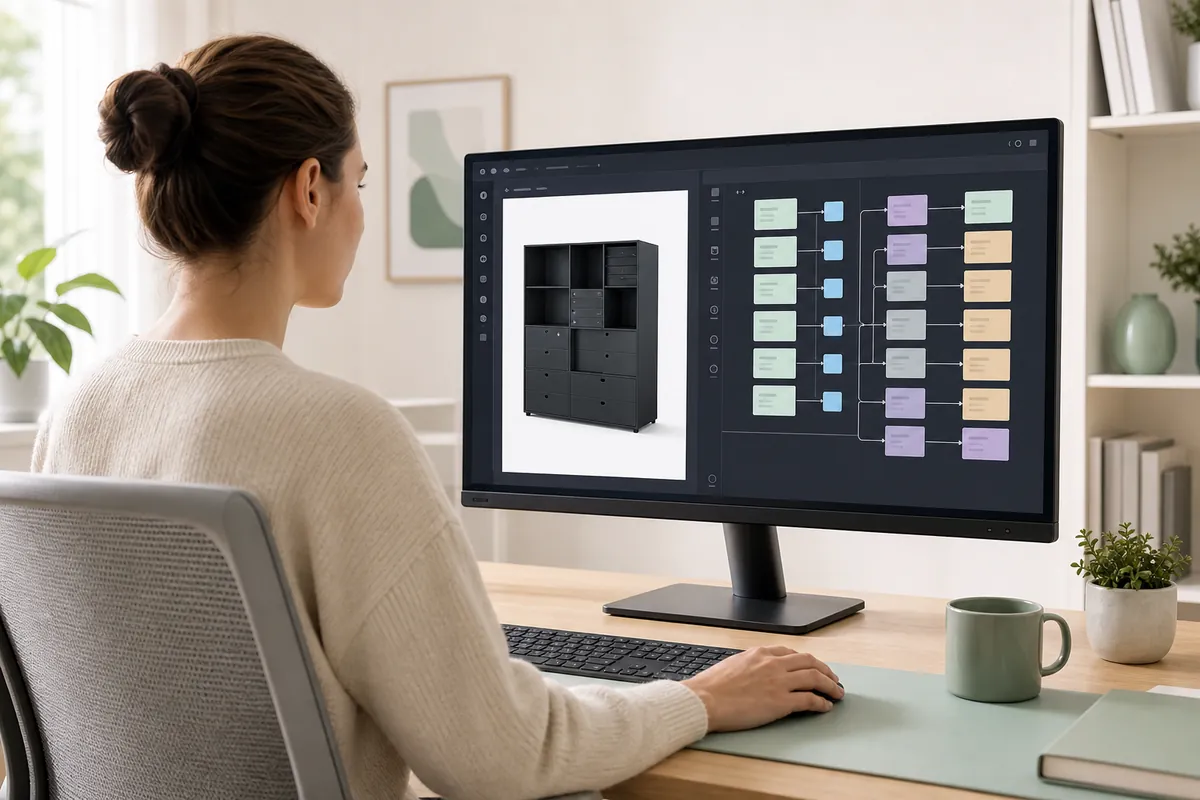
Backend mappingModular Storage 01Relationships aligned
01 · Collect
Start with knowledge already inside the business.
Source material is reviewed remotely and separated into confirmed facts, open decisions and named owners.
DATAProduct dataSKUs · dimensions · price logicREADY
CADImages and technical filesViews · drawings · materialsREADY
SALESProduct knowledgeQuestions · exceptions · combinationsREVIEW
OUTPUTCustomer next stepLead · quote · cartOPEN
PRODUCT FAMILYModular Storage 01One source of truth for the mapping session
CONFIRMED FACTS14Ready to map
OPEN DECISIONS4Visible before build
OWNERS ASSIGNED4 / 4Review route agreed
02 · Map
Connect option groups to the rules they create.
The original ConfigUX backend keeps every row aligned from the product through required states.
FAMILYModular Storage 01
FRAMEStandard or tall
OUTCOMEQuote-ready product
GROUP 01Layout
GROUP 02Front finish
GROUP 03Interior pack
REQUIREDChoose frame size
OPTIONALAdd lighting
EXCLUSIVEDrawers or shelves
STATE 01Complete frame
STATE 02Valid front set
STATE 03Compatible interior
03 · Validate
Test required, optional and exclusive relations.
Each relationship is checked as a customer action, not left as an assumption inside a spreadsheet or conversation.
Example states shown for clarity. Final rules follow the mapped product.REQUIREDFrame sizemust be selected beforeFront finishPASS
OPTIONALLighting packcan be skipped without blockingQuote outputPASS
EXCLUSIVEDrawer packhides the incompatibleShelf packPASS
04 · Select output
Choose the next action while the product rules are visible.
Lead, quote or cart is mapped as part of the customer route – not added after the product structure is approved.
MAPPED PRODUCTStandard frameAnthracite · drawers · lighting6 valid choices
→CUSTOMER OUTPUT
→LEADQUOTECART
Selected from project scopeNEXT ACTIONRequest a quoteConfiguration summary attachedROUTE READY
Start with one real product
Make the difficult choices visible before the build.
Show us the product knowledge you have today. We will identify the open decisions and structure the route the build must support.