Layered 2D assets

Create photorealistic product choices from one locked view.

Keep camera, crop, scale and light fixed while materials, components and accessories change as precise reusable layers.
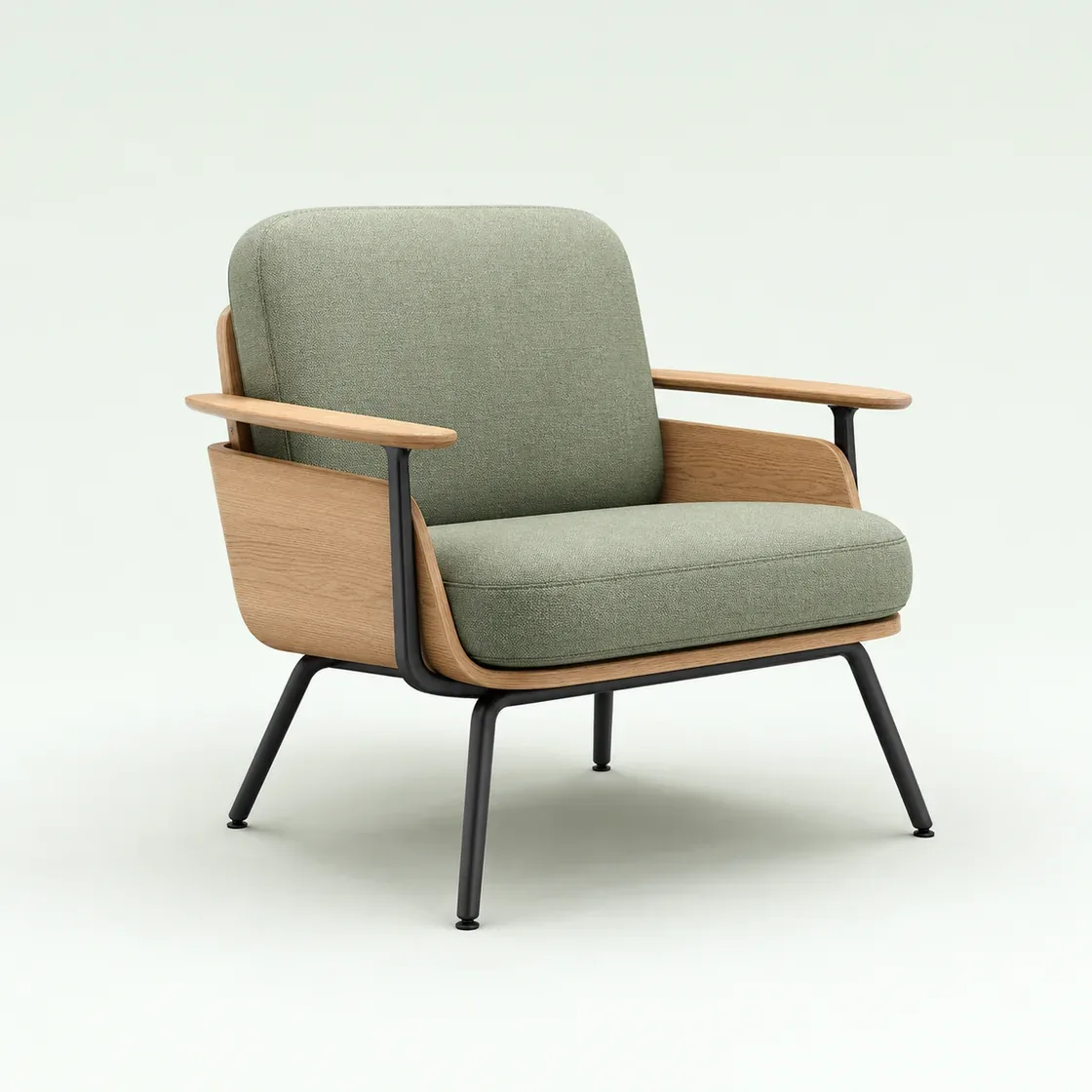
Sage lounge chair photographed from the locked front three-quarter layered 2D view
LOCKED PRODUCT VIEWLounge Chair 01Layers aligned
Same camera · crop · scale · light
01 · Build the layer system

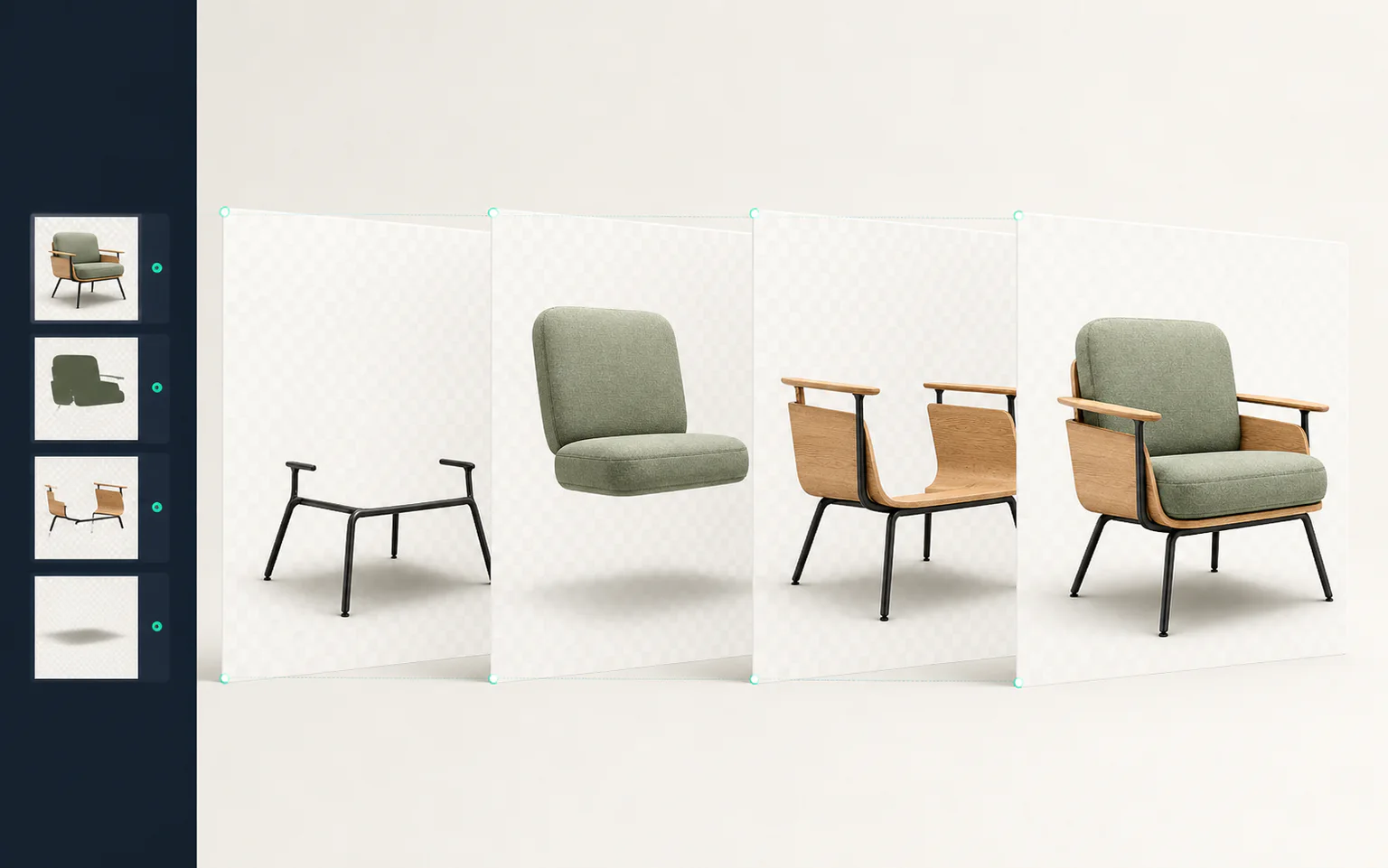
One product view. Four reusable layer groups.

Every file shares the same canvas and origin, so the browser can combine only the parts the customer selects.
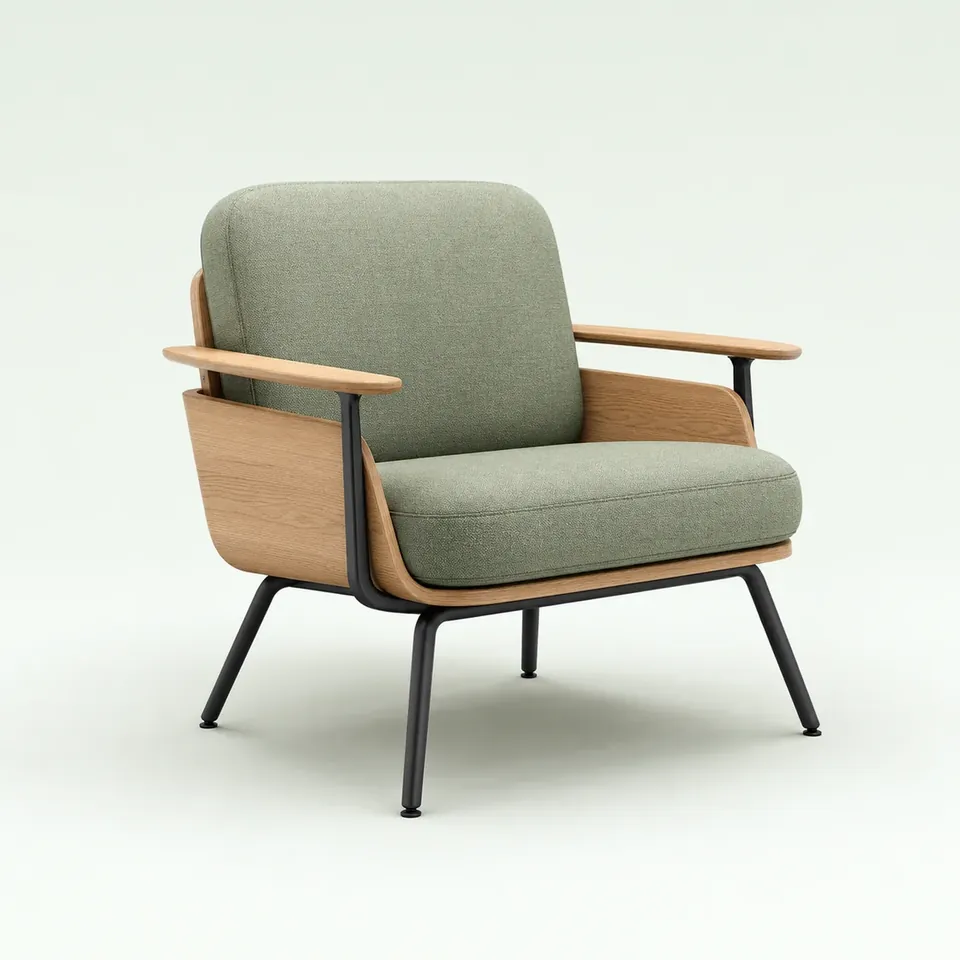
LAYER COMPOSERLounge Chair 01 · Front 3/41120 × 1120 · ORIGIN 0,0
BASE · 0,0MATERIAL · 0,0COMPONENT · 0,0Aligned sage chair composite on the shared 2D layer canvas
COMBINED PREVIEWBase + Sage + Oak frame
ACTIVE FILES
chair_base.webp0,0 · 1120²
upholstery_sage.webp0,0 · 1120²
frame_oak.webp0,0 · 1120²
accessory_none.webp0,0 · 1120²
4 / 4 layers aligned
02 · Produce and verify

Build every layer in one controlled workspace.

A designer isolates the parts that change, keeps every layer on the same canvas and reviews the combined product before delivery.
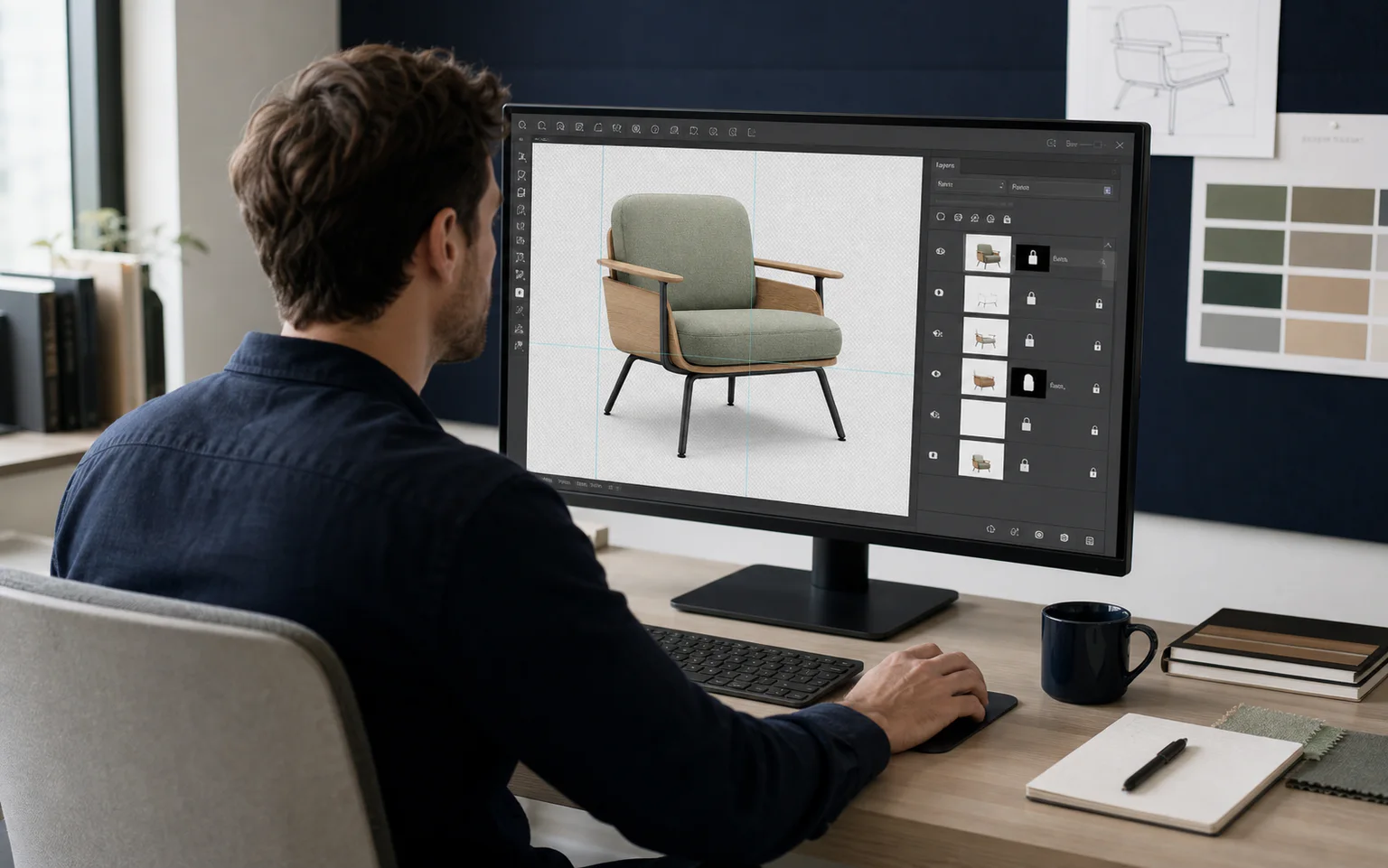
Product visual designer preparing aligned lounge chair layers in a professional image editing workspace
HUMAN REVIEWPrepare precise layers around the real product.Camera, crop and scale remain locked while masks and materials are refined.
Aligned photographic base, upholstery, frame and shadow layers combining into one finished lounge chair
ALIGNED OUTPUTSee the separate layers become one product view.Base, upholstery, frame and shadow share the same origin and ground line.
Clean masks Shared canvas Valid combinations reviewedREADY FOR THE BROWSER
03 · Compare valid states

Only the material changes.

The chair stays at the same angle, position and scale, making texture and colour easy to compare without visual movement.
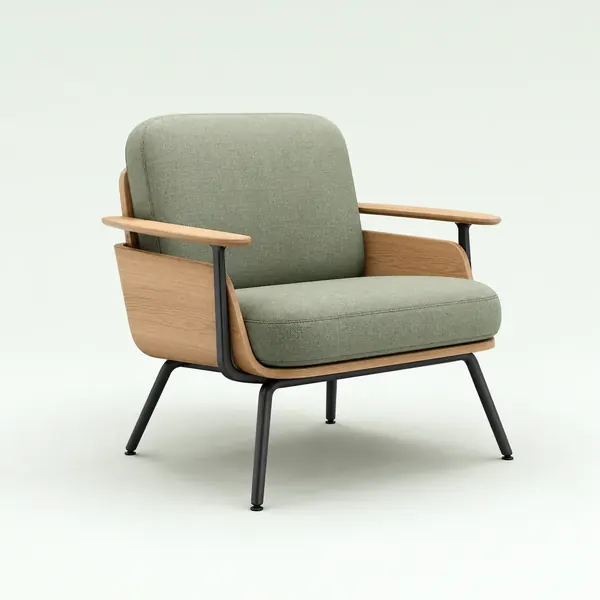
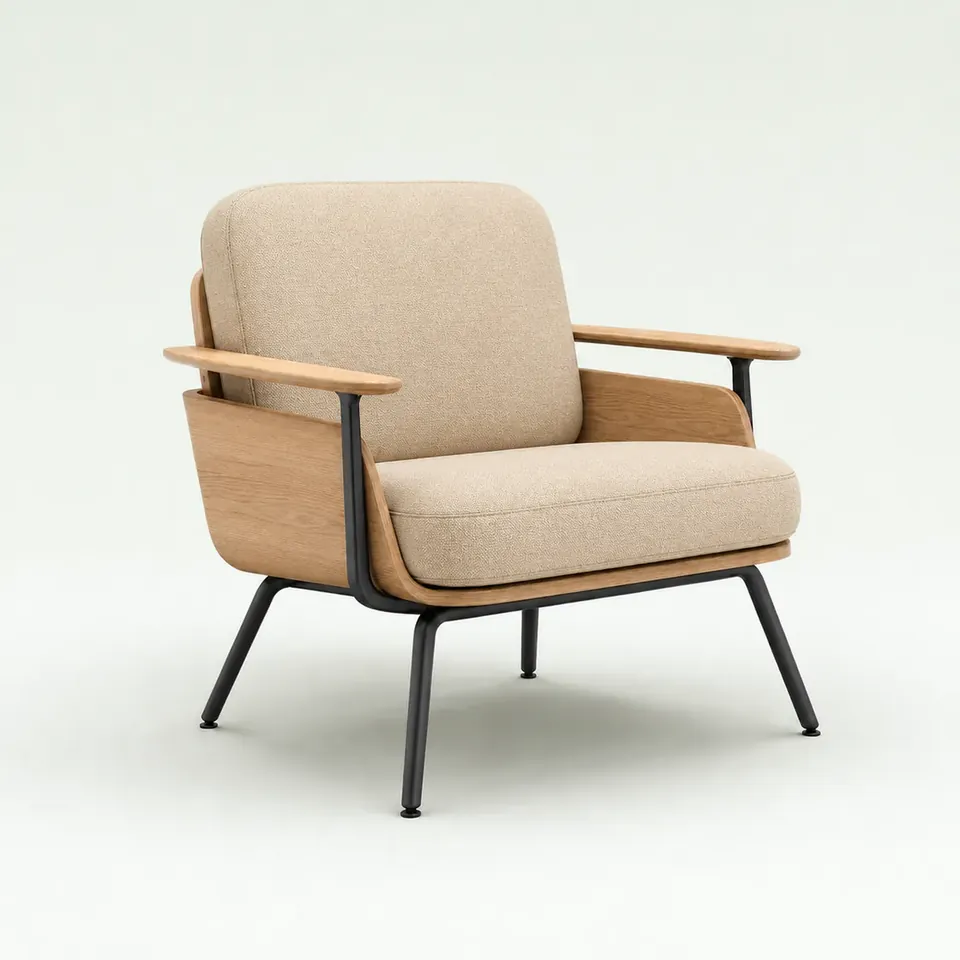
VIEW LOCK · FRONT 3/4Lounge Chair 01FRAME + SHADOW UNCHANGED
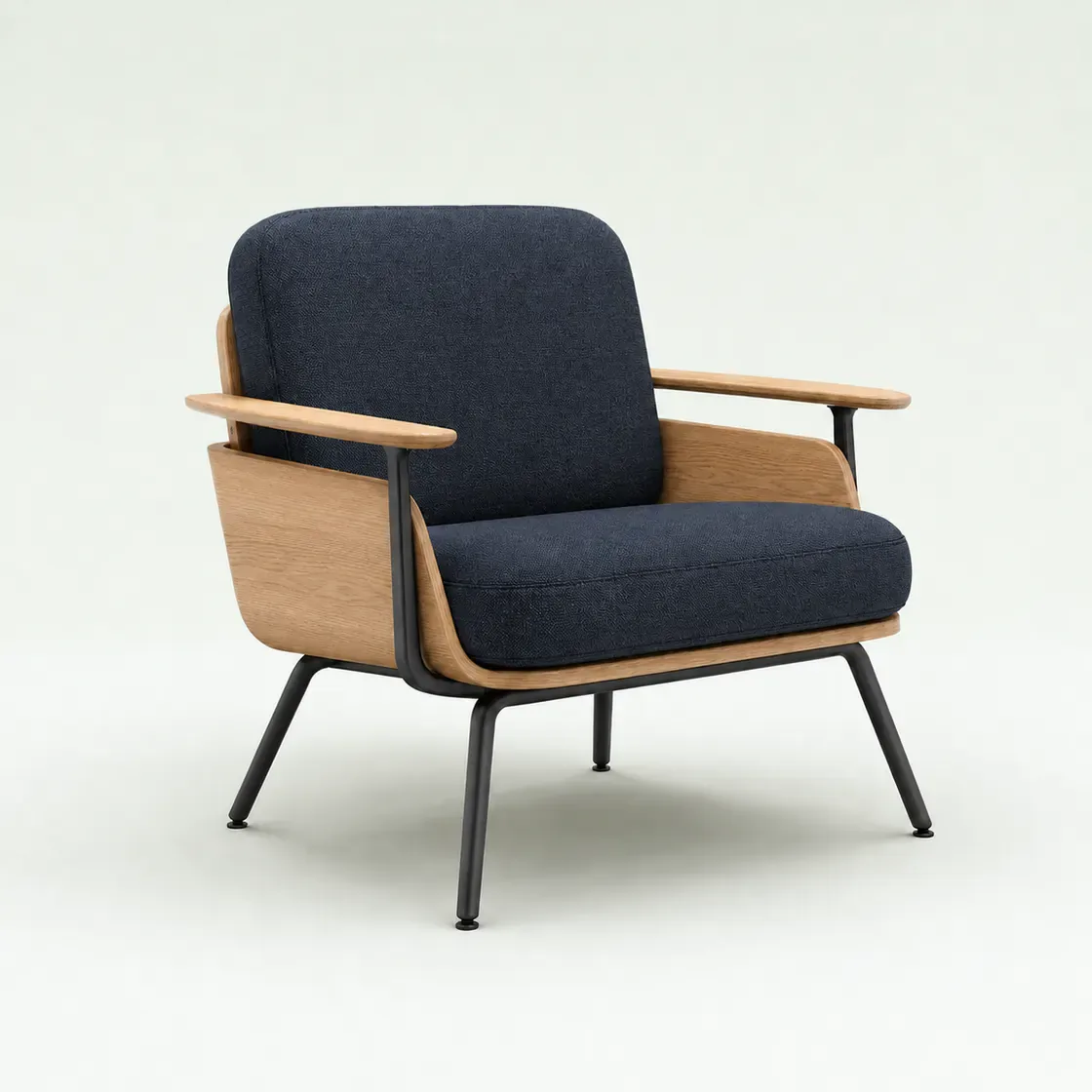
Lounge Chair 01 in sage fabric from the locked layered 2D view
SAGETextured upholsteryCamera 01 · Origin 0,0
Lounge Chair 01 in sand fabric from the same locked layered 2D view
SANDTextured upholsteryCamera 01 · Origin 0,0
Lounge Chair 01 in ink fabric from the same locked layered 2D view
INKTextured upholsteryCamera 01 · Origin 0,0
Left edge aligned Right edge aligned Ground line alignedCOMPARISON PASS
Use the right visual format

Choose layered 2D when surface detail leads the decision.

Use it for materials, colours and components in a fixed product view. Choose 3D or a hybrid route when customers must rotate, resize or place the product.

Explore 3D Product Configurator
Start with one real product

See exactly which 2D layers your configurator needs.

Bring the product range, imagery and difficult choices. We will define the required views, layers and production scope.

Discuss your project