
Skip to content
How it works
Free ConfigUX AI guideTeach your AI all about ConfigUX.Explore the guides →
Start hereGet the AI guideAdd the verified ConfigUX guide to the AI you already use.3D ViewerInspect a compatible 3D model before building.IntegrationsConnect ConfigUX to WordPress, Shopify or another website.
Practical guidesCreate a configuratorPrepare 2D layersPrepare 3D modelsAssets & foldersLeads & quotesStart with a templateAnalyticsInstall on any websiteInstall with WooCommerce
Solutions
ConfigUX solutionsMake complex products easier to understand and buy.View all solutions →
Platform2D Product Configurator3D Product ConfiguratorAugmented Reality
Buying flowsE-commerceLead generationSales configuratorsPDF and email quotes
360 ServiceDone-for-you deliveryWe can map, build and launch the complete solution.Configurator mappingLayered 2D assets3D models and materials
Industries
ConfigUX industriesSee how configurable products become clearer buying experiences.View all industries →
Furniture & interiorsModular furnitureKitchens and storageLighting and finishes
Outdoor & architecturePergolas and outdoor livingBuildings, façades and glazingWellness and garden systems
Commercial & mobilityCommercial spacesMobility and transportCustom product systems
Templates
ConfigUX templatesSee the choices. Try the experience.View all templates →
2DUrban Watch2DCampervan Interior2DModular Sofa2DFireplaces2D
3DUrban Watch3DNordic Bed3DModular Sofa3DEpoxy Table3DMosaic Table Eye3D
Pricing
ConfigUX pricingChoose the ConfigUX plan that fits your product and team.Compare all plans →
Plans and serviceStarter5 published configurators · 5 GB storage€39 / monthAvailable nowGrowth25 published configurators · 25 GB storage€59 / monthAvailable nowScale100 published configurators · 100 GB storage€199 / monthAvailable now360 ServiceComplete scoped projectCustomAvailable now
Start hereROI calculatorEstimate the value of clearer product choices.Start free14 days free on Starter. No credit card required.360 ServiceCustom project · Available now
EN ⌄
  • EN English
  • DA Dansk
  • DE Deutsch
  • FR Français
  • ES Español
Log inBook a demoStart free ↗
How it works
Explore the guides →Start hereGet the AI guide3D ViewerIntegrationsPractical guidesCreate a configuratorPrepare 2D layersPrepare 3D modelsAssets & foldersLeads & quotesStart with a templateAnalyticsInstall on any websiteInstall with WooCommerce
Solutions
View all solutions →Platform2D Product Configurator3D Product ConfiguratorAugmented RealityBuying flowsE-commerceLead generationSales configuratorsPDF and email quotes360 ServiceDone-for-you deliveryConfigurator mappingLayered 2D assets3D models and materials
Industries
View all industries →Furniture & interiorsModular furnitureKitchens and storageLighting and finishesOutdoor & architecturePergolas and outdoor livingBuildings, façades and glazingWellness and garden systemsCommercial & mobilityCommercial spacesMobility and transportCustom product systems
Templates
View all templates2DUrban Watch2DCampervan Interior2DModular Sofa2DFireplaces2D3DUrban Watch3DNordic Bed3DModular Sofa3DEpoxy Table3DMosaic Table Eye3D
Pricing
Compare all plans →Plans and serviceStarter · €39 / monthAvailable nowGrowth · €59 / monthAvailable nowScale · €199 / monthAvailable now360 Service · CustomAvailable nowStart hereROI calculatorStart free
Log inOpen ConfigUX AccountBook a demoTalk through your productStart free ↗
3D Gallery Configurator

Set up your gallery. In two minutes.

Add the sizes, frames and finishes you sell. Use your own images or let customers upload theirs – no 3D model or specialist setup is required.
Open ConfigUXSee the gallery flow ↓
Gallery product previewTRY THE DEMO
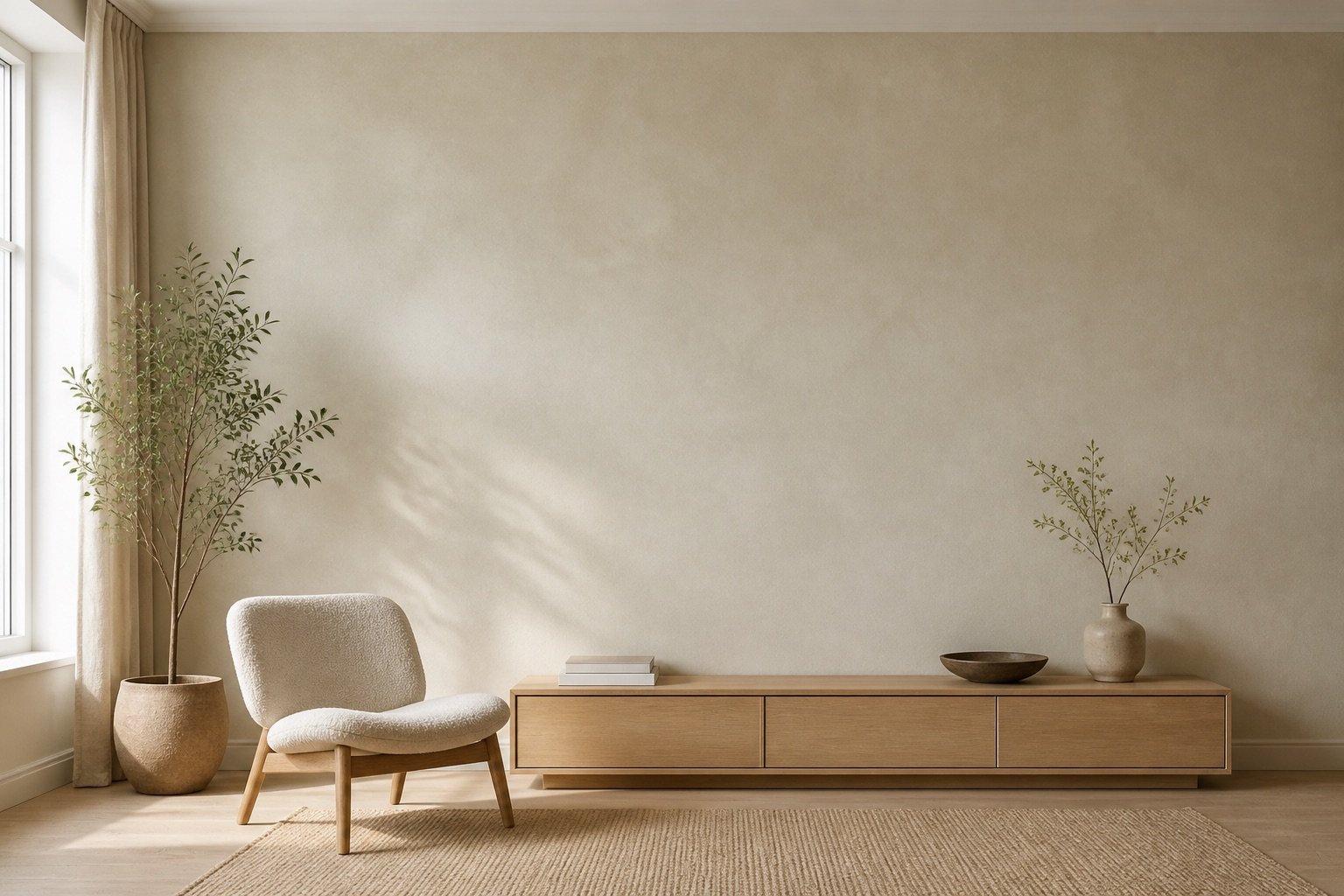
Danish design living room used for the interactive 3D product preview

Drag to rotateThe full frame stays in view

IMAGE
FORMAT
FRAME
Customer upload

Upload, choose a format and crop.

Customers add their own image, choose one of the formats you sell and adjust the crop before they preview the product. The experience can follow your logo, colours and Brand Profile.

01 Upload02 Choose format03 Adjust crop
YOUR BRANDUpload your image
↑Drop your image hereJPG, PNG or WebP from your deviceChoose an image
Choose a formatCrop stays editable
✓

Image readyPortrait crop · ready for quality check

Print quality

Know when the file is ready.

Set the minimum DPI and quality level your business will accept. The live check compares the uploaded pixels with the chosen print size and shows a clear quality result before customers continue.

When the resolution is too low, optional AI Upscale can be offered directly in the flow to create a higher-resolution working copy. The original stays private and unchanged.

Mountain-original.jpg4200 × 6000 px · Portrait crop

PRIVATE
PRINT QUALITY238 DPI
GOOD
Good for 50 × 70 cm
72
Low
150
Usable
300
Excellent
✦

AI UpscaleOptional · prepare a higher-resolution copy for larger formats

Preview 2×
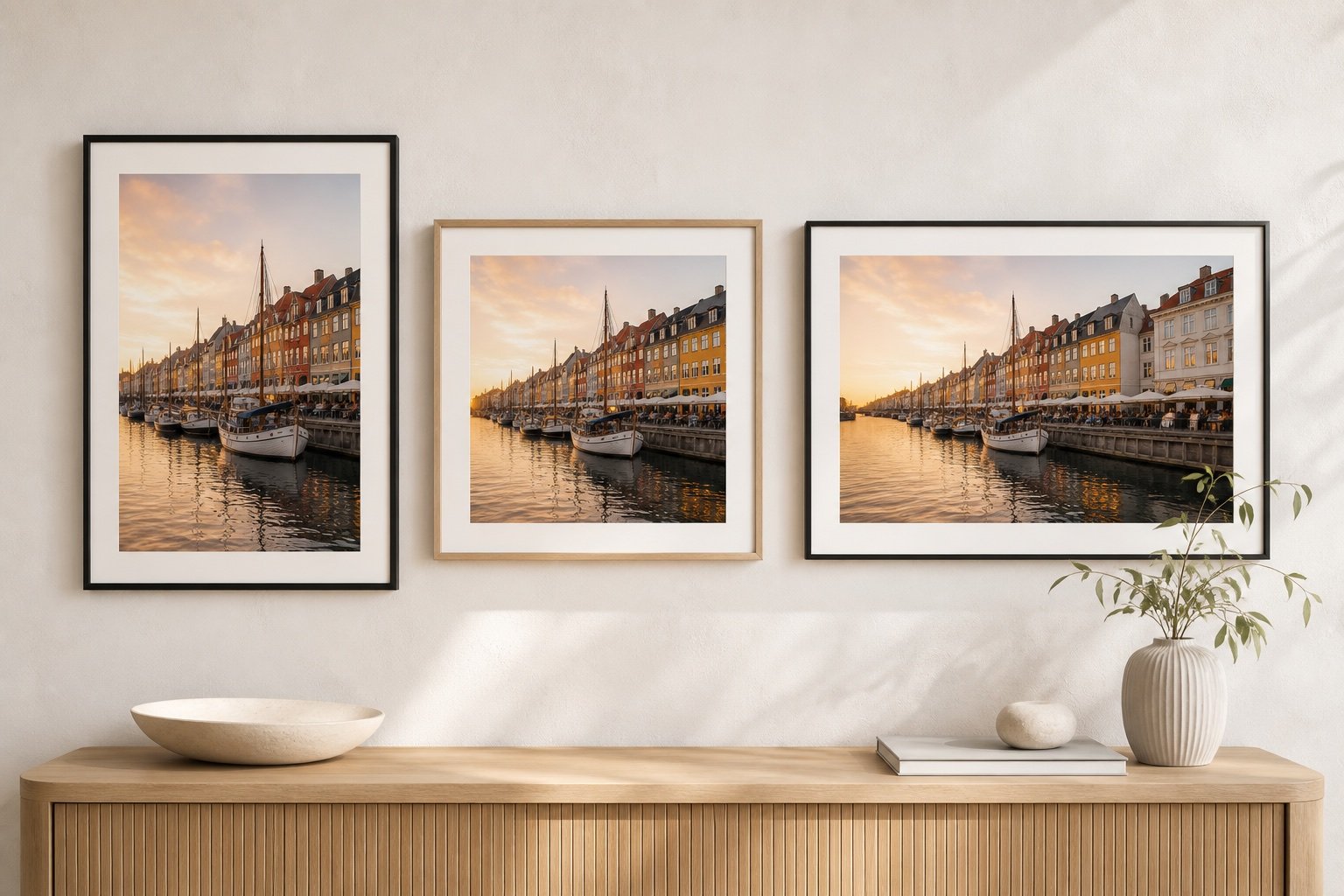
Copenhagen artwork displayed as portrait, square and landscape framed products
YOUR PRODUCT RULESOnly the choices you supply
Your product range

Choose exactly what you sell.

Add only the sizes you can produce, in centimetres or inches. Pair each size with the frames and finishes you actually offer.

  • Exact sizes in cm or inches
  • Wood, metal and other frame options
  • Different choices for each product
  • Works with gallery images and customer uploads
Wall AR

See it on the wall before ordering.

Let customers place the configured piece on their wall and compare size and position before they buy.
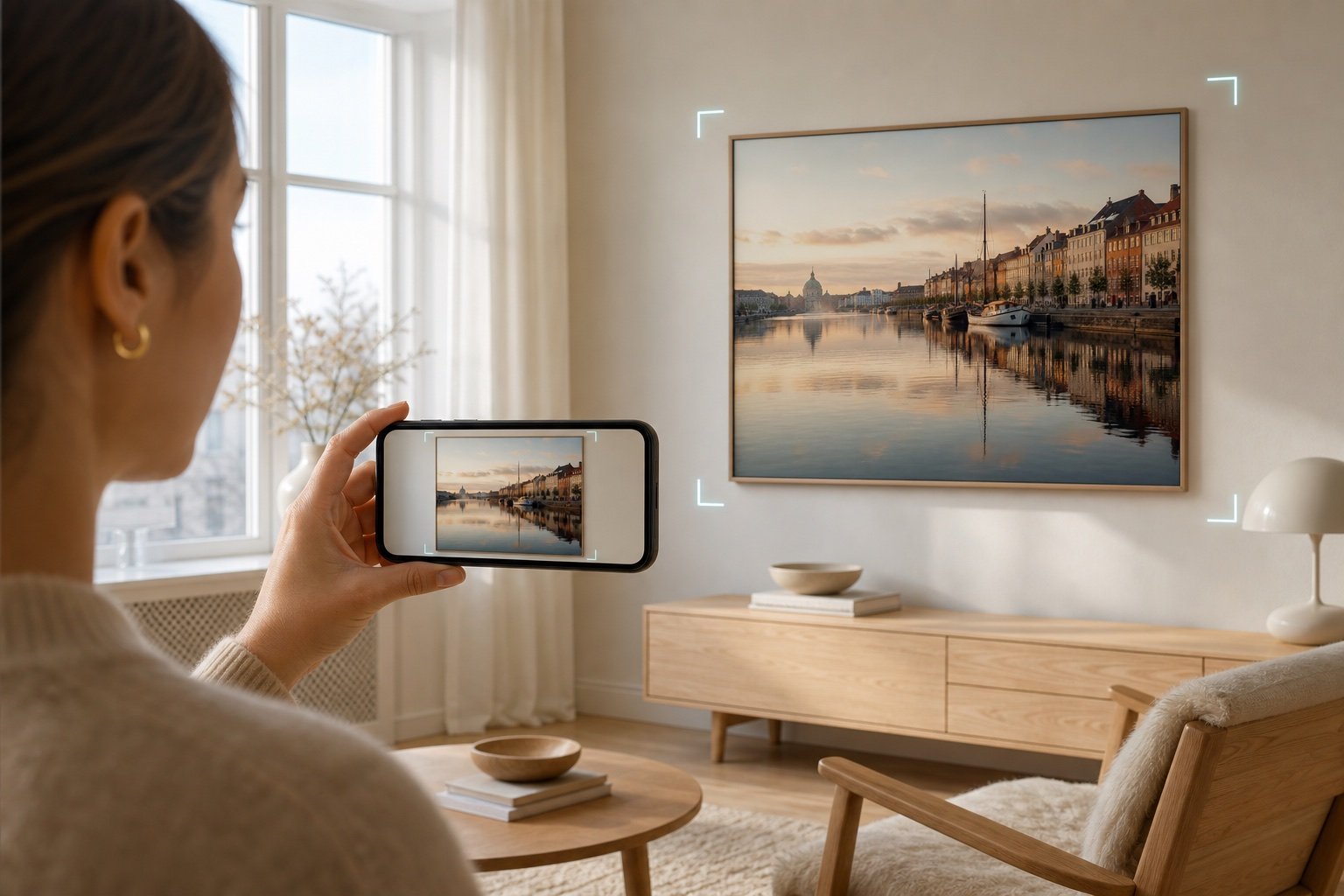
Customer using a phone to preview a framed Copenhagen artwork on a Danish living-room wall
Private image handling

Protect every original.

Originals stay private. Choose a format, adjust the exact crop and prepare the product view without publishing the source file.
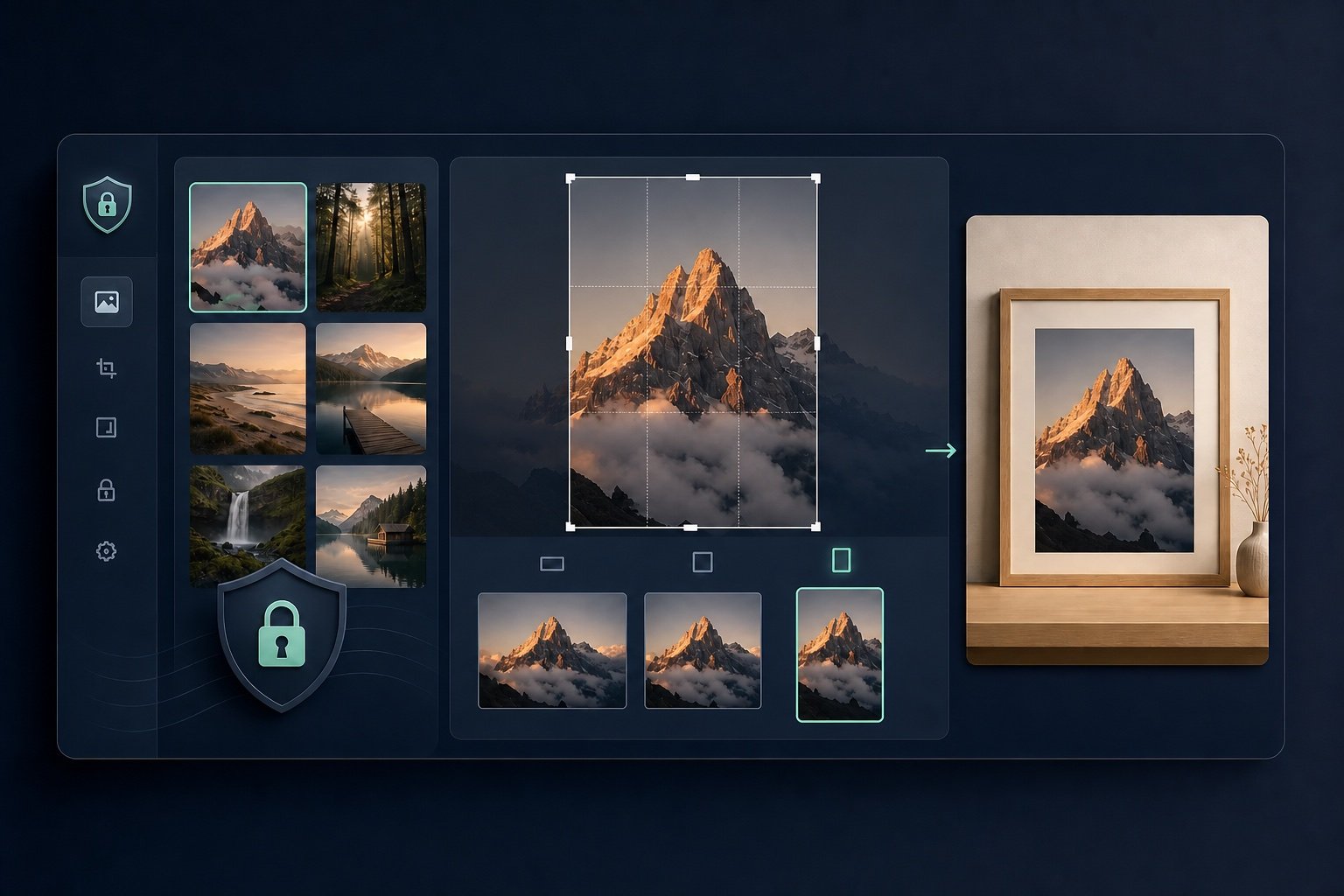
Private gallery workflow with the portrait format selected, a matching portrait crop and a portrait framed preview
Before you start

Common 3D Gallery questions.

See what you can sell, how customer uploads work and how Gallery fits your website.

Can customers upload their own images?+

Yes. Customers can choose from your motif library or upload their own image, then refine the crop and product choices.

What can customers preview with Wall AR?+

They can place the configured piece on their wall and compare its size and position before ordering.

How do I use Gallery on my website?+

Build and publish the configurator in ConfigUX, then place the ConfigUX Player embed on WordPress, Shopify or another website.

Do I need a 3D model?+

No. Gallery is designed for image-based products, so you can set up sizes, frames and finishes without commissioning a separate 3D model for every image.

Want to sell a visual product without the guesswork?

Open ConfigUX to start building your Gallery experience, or book a demo if you want to review the setup first.

Open ConfigUX
ConfigUXMake complex products
easier to buy.
Book a demo ↗

Visual product configuration for clearer choices, better buying experiences and less manual work.

info@configux.com
ProductHow it worksPlatformPricingIndustries
SolutionsSolutionsIntegrationsEnterprise
CompanyAbout UsCareersBook a demoContact
© 2026 ConfigUX. All rights reserved. · ConfigUX ApS · CVR 46791657Privacy · Cookies · Terms · 360 Service ·